Meet GPT Image2 Generator: From Prompt to Image Online
Discover how GPT Image2 Generator turns a written prompt into polished visuals, with flexible aspect ratios, clear credit pricing, and an easy browser workflow.
 GPT Image2 Team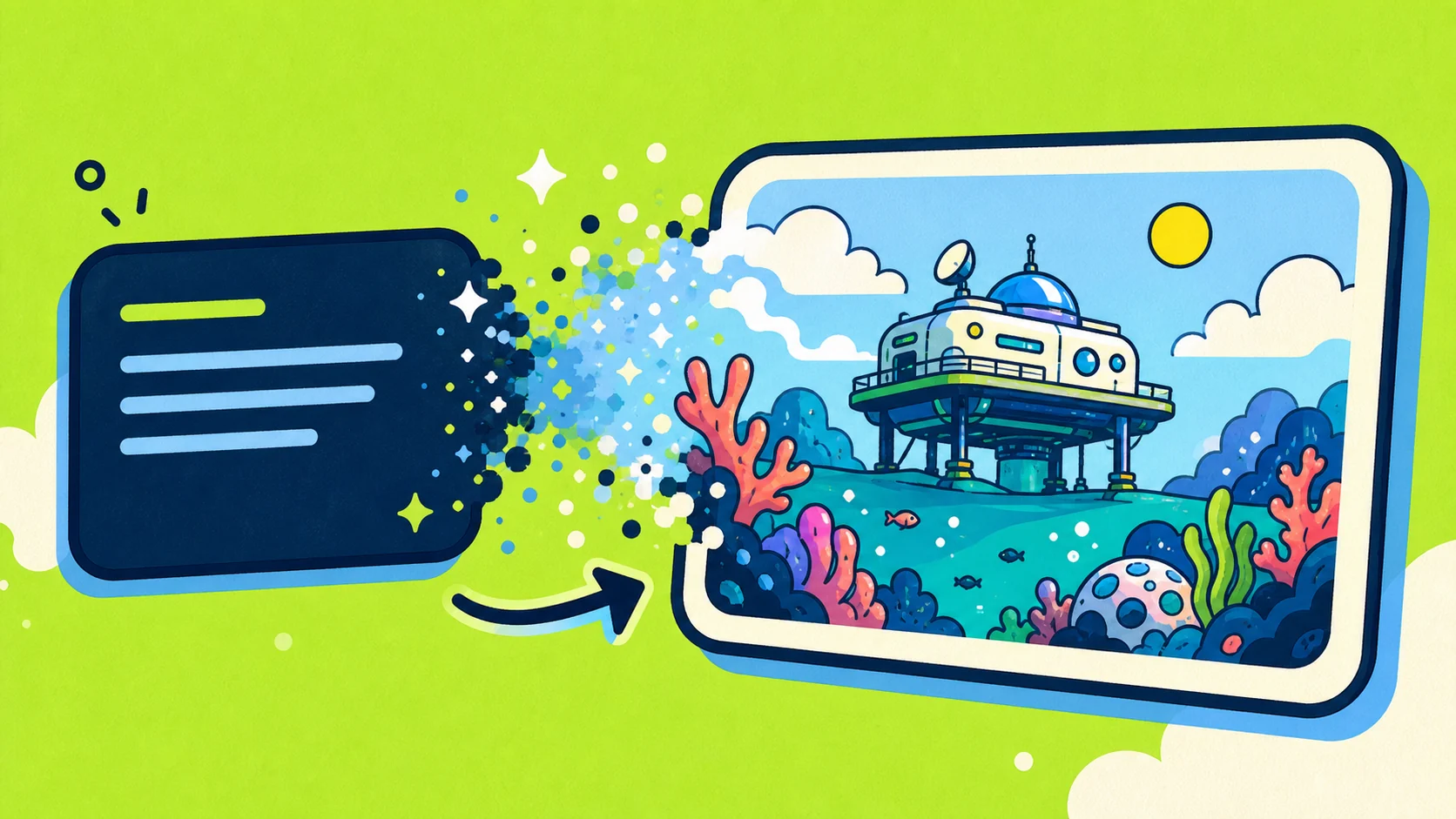
GPT Image2 Generator is an online creative studio for turning text prompts into original images. You describe the scene, choose a format, and the site handles generation, task tracking, and delivery in one focused browser workflow.
It is designed for creators, marketers, founders, developers, and anyone who needs a strong visual direction without starting from a blank canvas or building a complicated design-tool stack.
What you can create
GPT Image2 can help you produce visuals for:
- Campaign concepts and social media posts
- Product mockups and landing pages
- Storyboards, moodboards, and pitch decks
- Editorial illustrations and blog covers
- Game, character, and environment concepts
- Experiments that need several visual directions quickly
The result depends on the direction in your prompt. You can ask for a photographic scene, a hand-drawn illustration, a polished product render, or a more stylized concept.
How the generator works
The studio keeps the process simple:
- Describe the image. Write the subject, setting, style, composition, lighting, palette, and any details that must appear.
- Choose an aspect ratio. Use automatic sizing or select a format such as 1:1, 16:9, 4:5, 3:2, or 9:16, with more ratios available for specific layouts.
- Generate. The site submits the task to GPT Image2 and follows its progress for you.
- Use the result. Open or download the finished image when it appears in the studio.
Your account also keeps generated tasks together, making it easier to return to previous work instead of losing each result in a collection of browser tabs.
How to write a better prompt
A useful prompt gives the model creative direction without becoming a wall of disconnected keywords. Start with a clear subject and then add the details that matter most.
For example:
A tiny research station floating above a coral ocean, playful editorial illustration, bold navy outlines, bright morning light, lime green and turquoise palette, wide composition.
This works because it defines the subject, environment, medium, visual language, lighting, colors, and framing. If the first result is close but not quite right, change one or two instructions at a time so you can see what improves it.
Built for a practical workflow
GPT Image2 Generator wraps the model in the parts a real workflow needs:
- A guided prompt editor with room for detailed briefs
- Multiple aspect ratios for web, social, and presentation formats
- Automatic task polling while the image is being generated
- Result preview and download from the same page
- Account history and visible credit usage
- Monthly, annual, and one-time credit options
- API access on supported paid plans
New accounts can receive starter credits, so you can test the workflow before choosing a plan. The current image cost and available balance are shown in the studio, while pricing pages explain the credits included with each option.
Start creating
You do not need a perfect prompt to begin. Start with the image you wish existed, generate a first direction, and refine from there.
Open the GPT Image2 studio and turn your next idea into an image.
GPT Image2 Generator is an independent service and is not affiliated with OpenAI.