Flux 2 AI Image Generator for Text-to-Image and Image-to-Image
Flux 2 (FLUX.2) is Black Forest Labs' production-grade image model family, and this Flux 2 AI image generator puts Flux 2 text-to-image and Flux 2 image-to-image in one workspace — so you can move from a written idea to a refined visual without switching…
Create with the GPT Image2 generator
Write a scene, pick an aspect ratio, and watch GPT Image2 turn language into a vivid, ready-to-use image.
Your generated image will surface here.
Explore interesting results
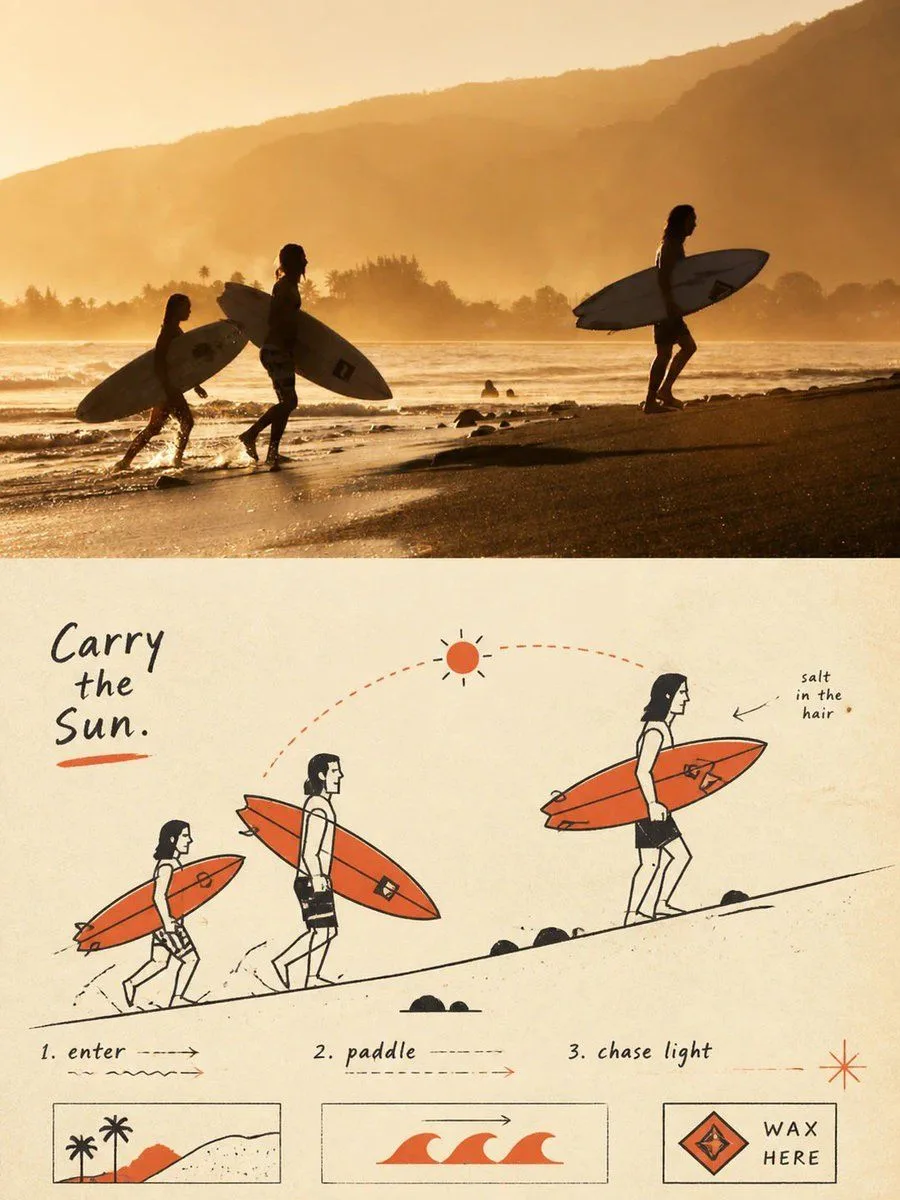
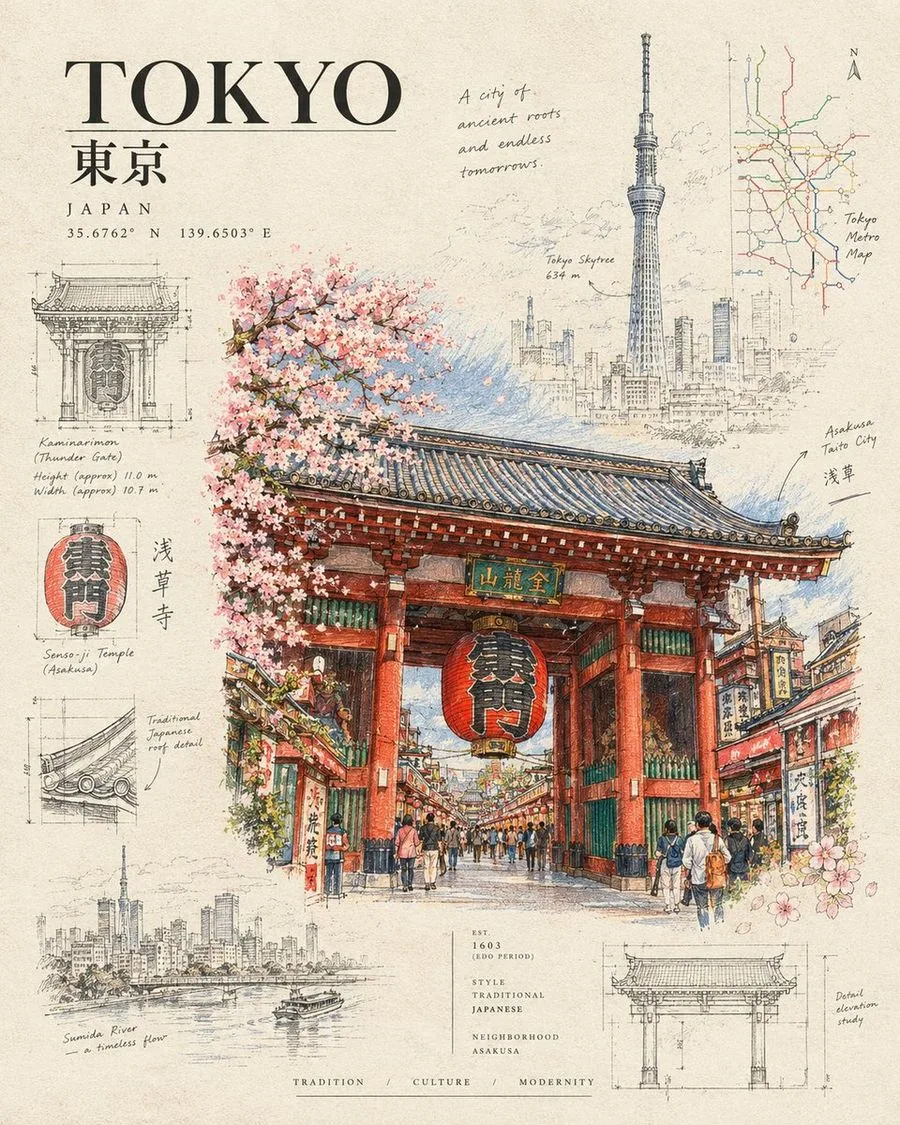
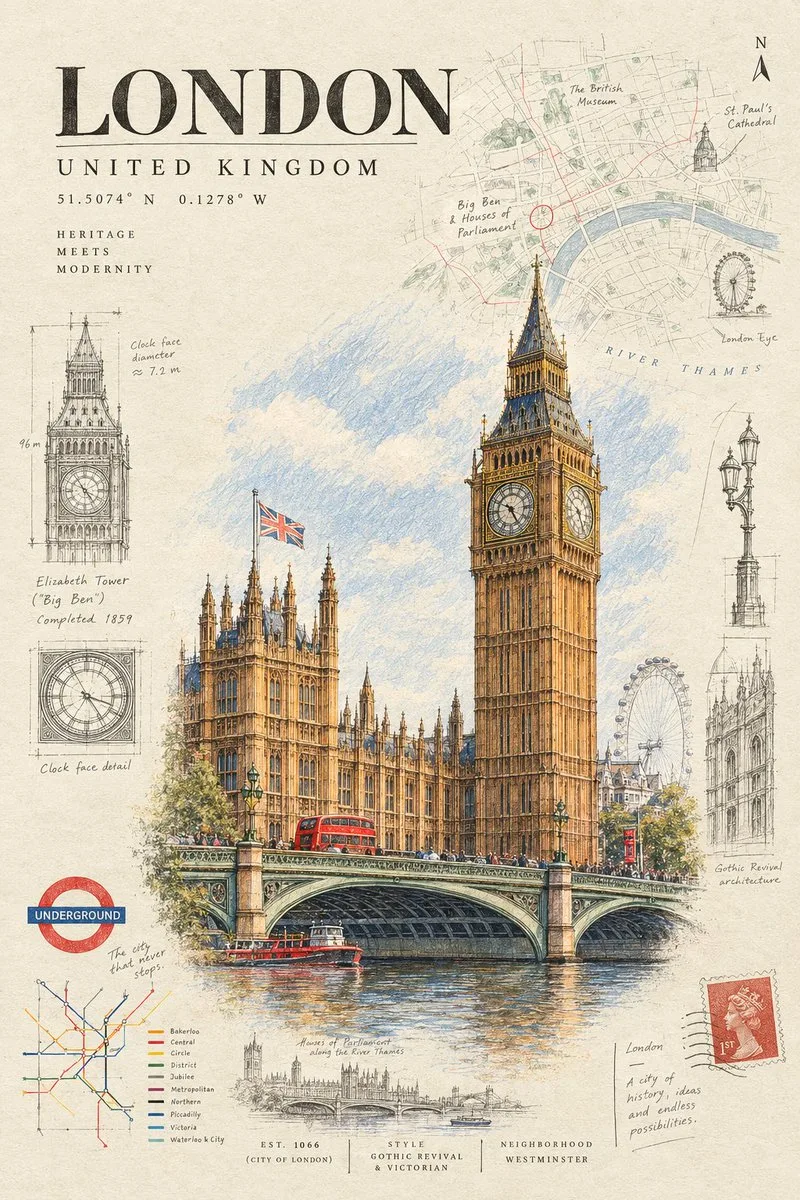
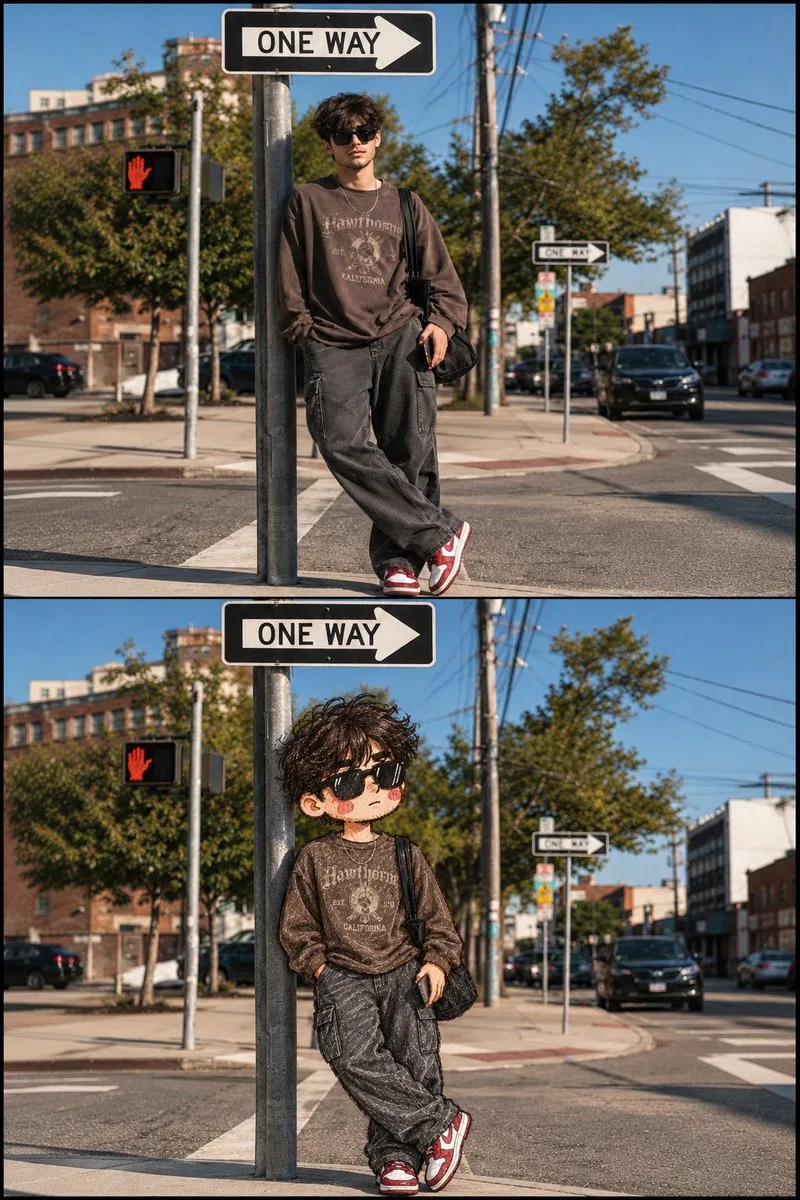
Portraits, campaigns, concepts, and product scenes — sample outputs created with Flux 2.






What Flux 2 is built to deliver
Flux 2 (FLUX.2) is Black Forest Labs' production-grade image model family, and this Flux 2 AI image generator puts Flux 2 text-to-image and Flux 2 image-to-image in one workspace — so you can move…
Flux 2 AI Image Generator for Production-Grade Visuals
You need images that look photographed, not generated. Flux 2 AI image generator gives you 4MP photorealistic output, reliable spatial reasoning, and production-ready text rendering so product shots, UI mockups, and campaign assets hold up. With Flux 2 Pro online generator workflows, you can move from a rough idea to…
Flux 2 Multi-Reference Control and Flux 2 Character Consistency
Keeping a character or product consistent across dozens of assets is usually the bottleneck. Flux 2 multi-reference control lets you reference up to 10 images at once, so Flux 2 character consistency holds across scenes, styles, and campaigns. You can place a product in any context, change the environment, and let…
Flux 2 Output Resolution and Flux 2 Text Rendering
Low-resolution drafts and broken typography kill momentum. Flux 2 output resolution goes up to 4MP, supports any aspect ratio, and stays reliable even from low-res drafts around 400px. Flux 2 text rendering handles complex typography, infographics, and UI mockups that actually read in production. You can draft fast,…
Flux 2 Model Variants Comparison: Max, Pro, Flex, and Dev Open Weights
Different jobs need different trade-offs. In a Flux 2 model variants comparison, Flux 2 [max] targets top-tier quality for professional output, Flux 2 [pro] aims for top quality without sacrificing speed, and Flux 2 [flex] prioritizes precision and complete creative control. Flux 2 [dev] offers Flux 2 dev open…
Flux 2 Text-to-Image and Flux 2 Image-to-Image in One Workflow
You should not need separate models for generating and editing. Flux 2 text-to-image creates new scenes from prompts, while Flux 2 image-to-image edits, combines, and restyles existing images based on text instructions. The same model handles single-reference editing and multi-reference editing without finetuning.…
Create with Flux 2
Use Flux 2 in the browser studio with clear credit pricing and downloadable results.
Use Flux 2 in 3 steps
You frame the scene. Our agent handles Flux 2, task status, and delivery — then hands back an image ready to use.
Describe the scene
Tell Flux 2 what you need in natural language, then add style, lighting, palette, mood, or subject details for tighter direction.
Let the agent render
The studio submits the right Flux 2 parameters and keeps checking the asynchronous job while you stay on the page.
Download and publish
Your Flux 2 result appears as soon as it is ready. Download it for campaigns, mockups, storyboards, or product content.
Try GPT Image 2 Free — No Sign-Up Required
Create high-quality AI images from text with GPT Image 2. Try it free with no sign-up or credit card required—just enter a prompt and start creating.
Subscription Plans
Credits are added automatically every billing cycle
Starter
For personal content and side projects
$19.99/mo
$119.99 billed yearly
7,200 credits / year
≈ 1,200 images at 1K
- Credits available for 365 days
- Commercial usage
- Email support
Pro
For creators with a steady publishing rhythm
$39.99/mo
$219.99 billed yearly
15,600 credits / year
≈ 2,600 images at 1K
- Credits available for 365 days
- Priority queue
- API access
Studio
For teams and high-volume campaigns
$79.99/mo
$399.99 billed yearly
33,600 credits / year
≈ 5,600 images at 1K
- Credits available for 365 days
- Fastest generation queue
- Team-ready volume
Flux 2 FAQ
Straight answers about Flux 2, prompting, editing, and credits.
Put Flux 2 to Work on Your Next Visual
Join in seconds, claim your starter credits, and turn the next brief into an image with Flux 2.