Qwen Image 3.0: Qwen3 AI Image Generator for Text-Rich Layouts
Qwen Image 3.0 is Alibaba's Qwen3 image generator built for production work where words must stay readable. It handles Qwen Image 3.0 text rendering down to 10px, supports 12 languages, and follows 4.5k-token prompts for complex layouts like newspapers,…
Create with the GPT Image2 generator
Write a scene, pick an aspect ratio, and watch GPT Image2 turn language into a vivid, ready-to-use image.
Your generated image will surface here.
Explore interesting results
Portraits, campaigns, concepts, and product scenes — sample outputs created with Qwen Image 3.0.
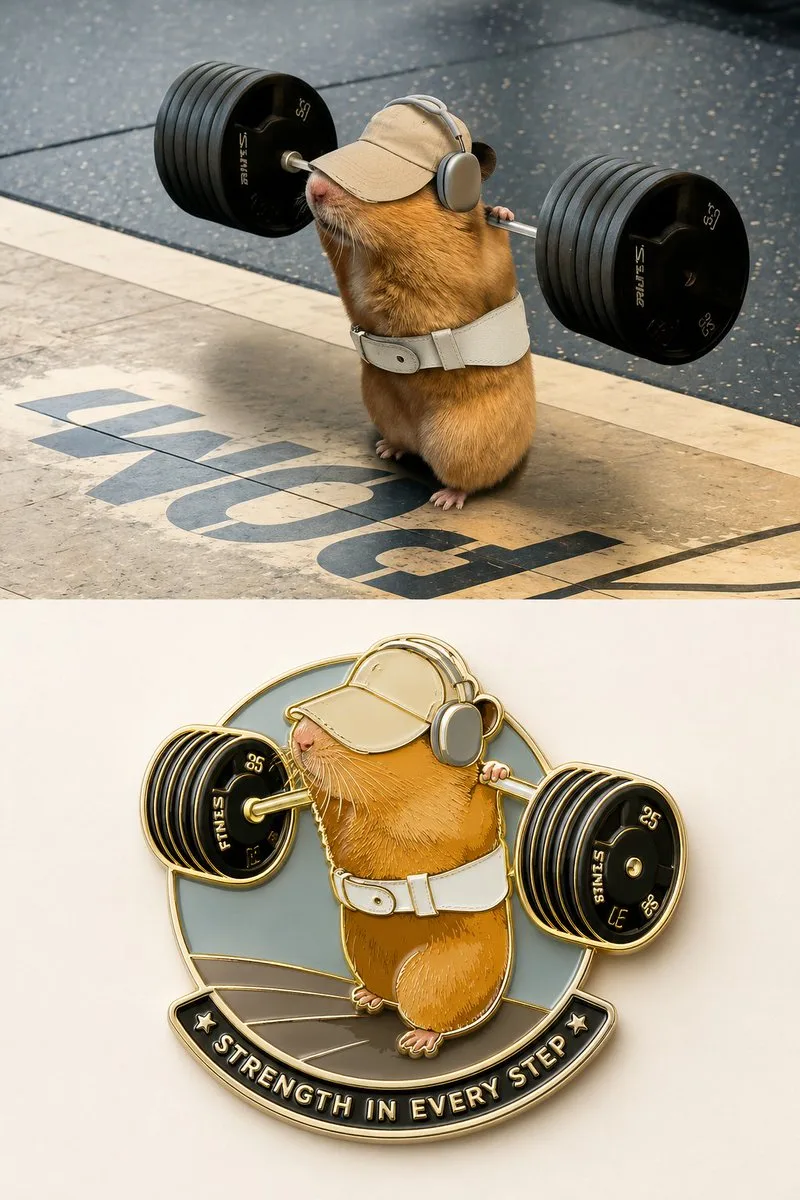
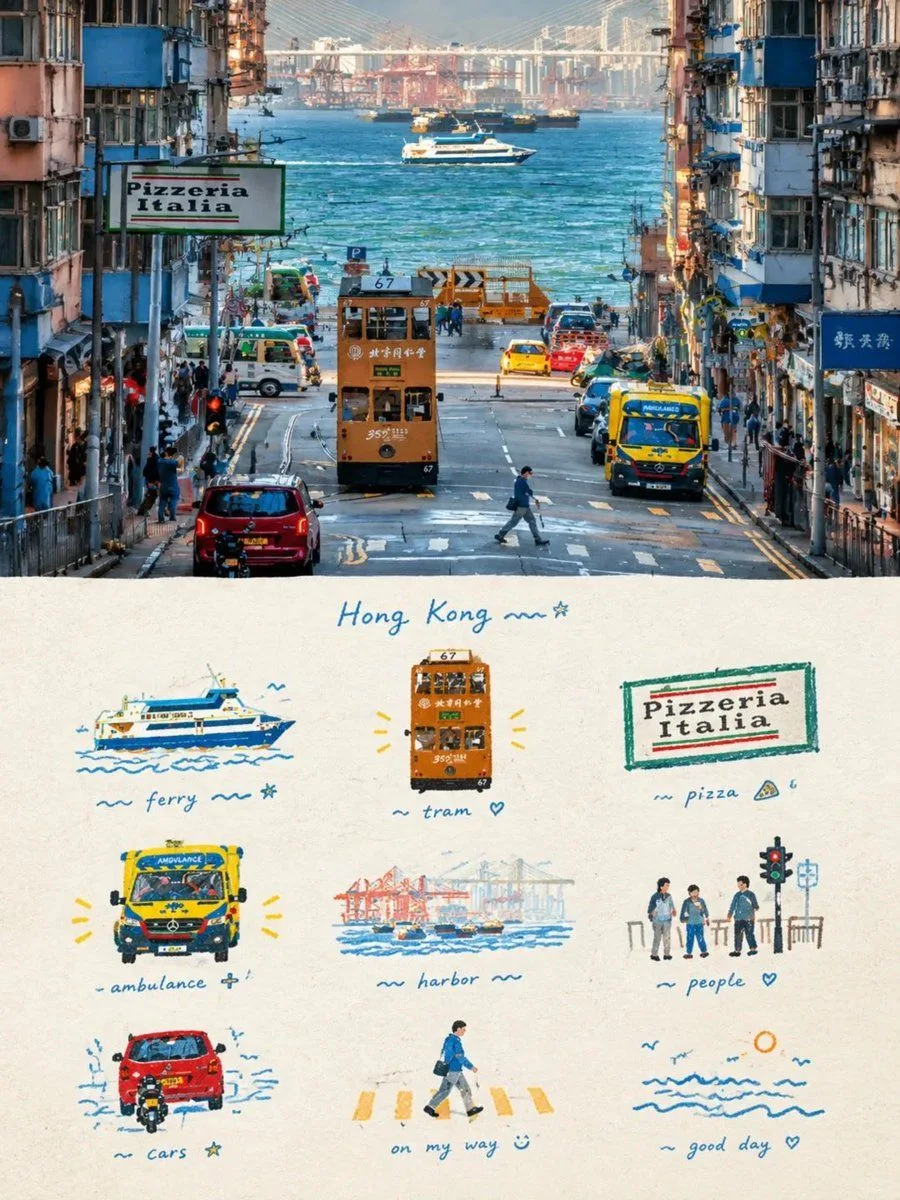
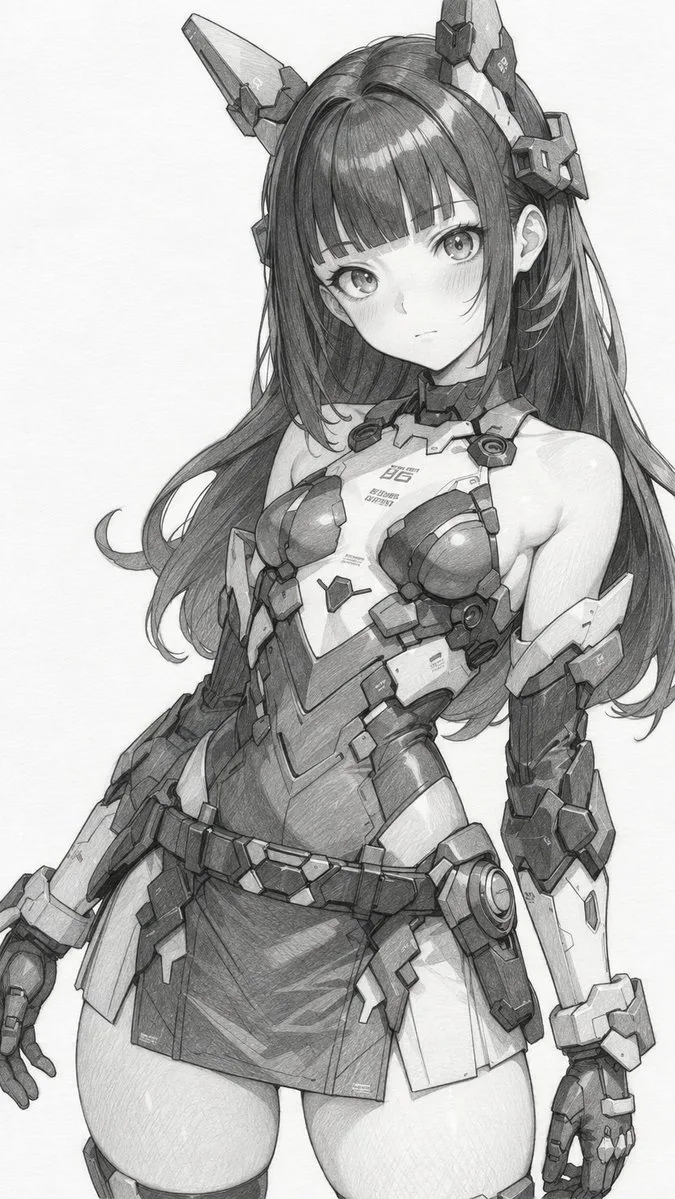
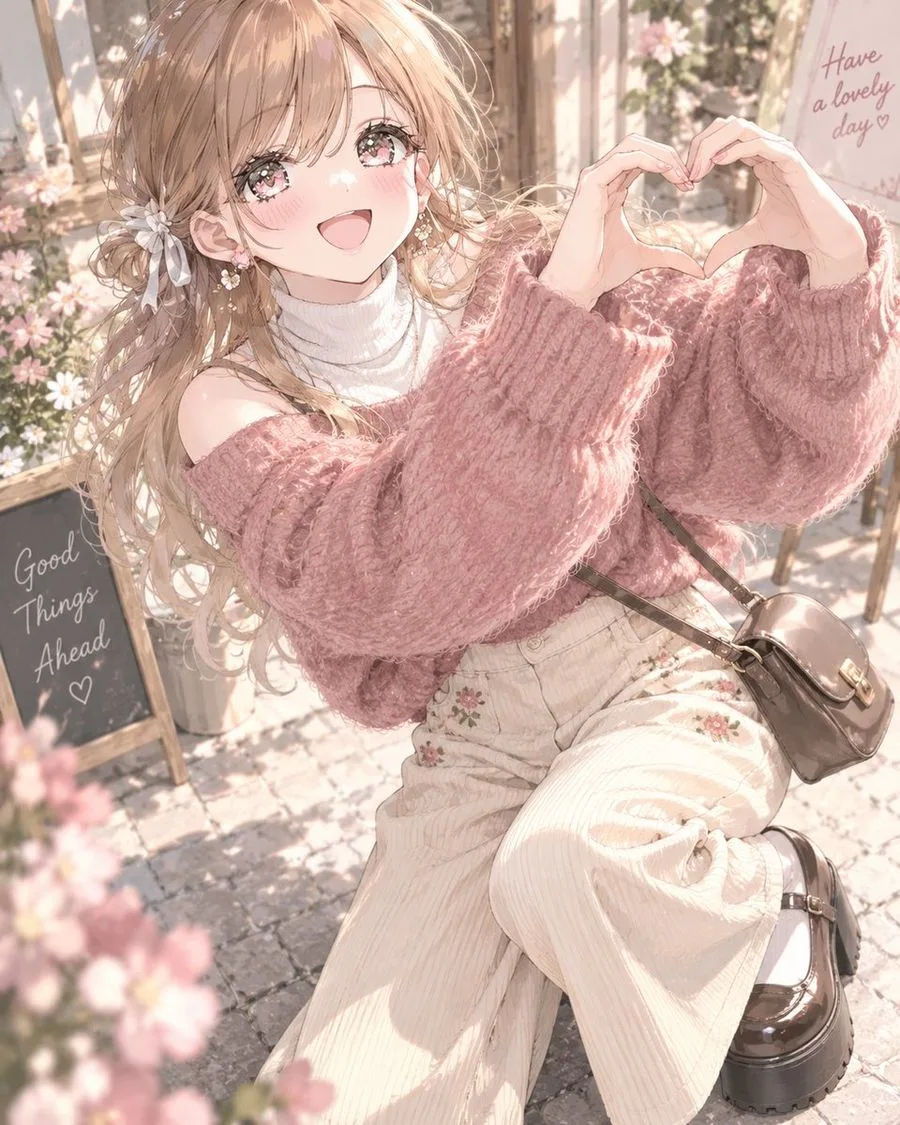

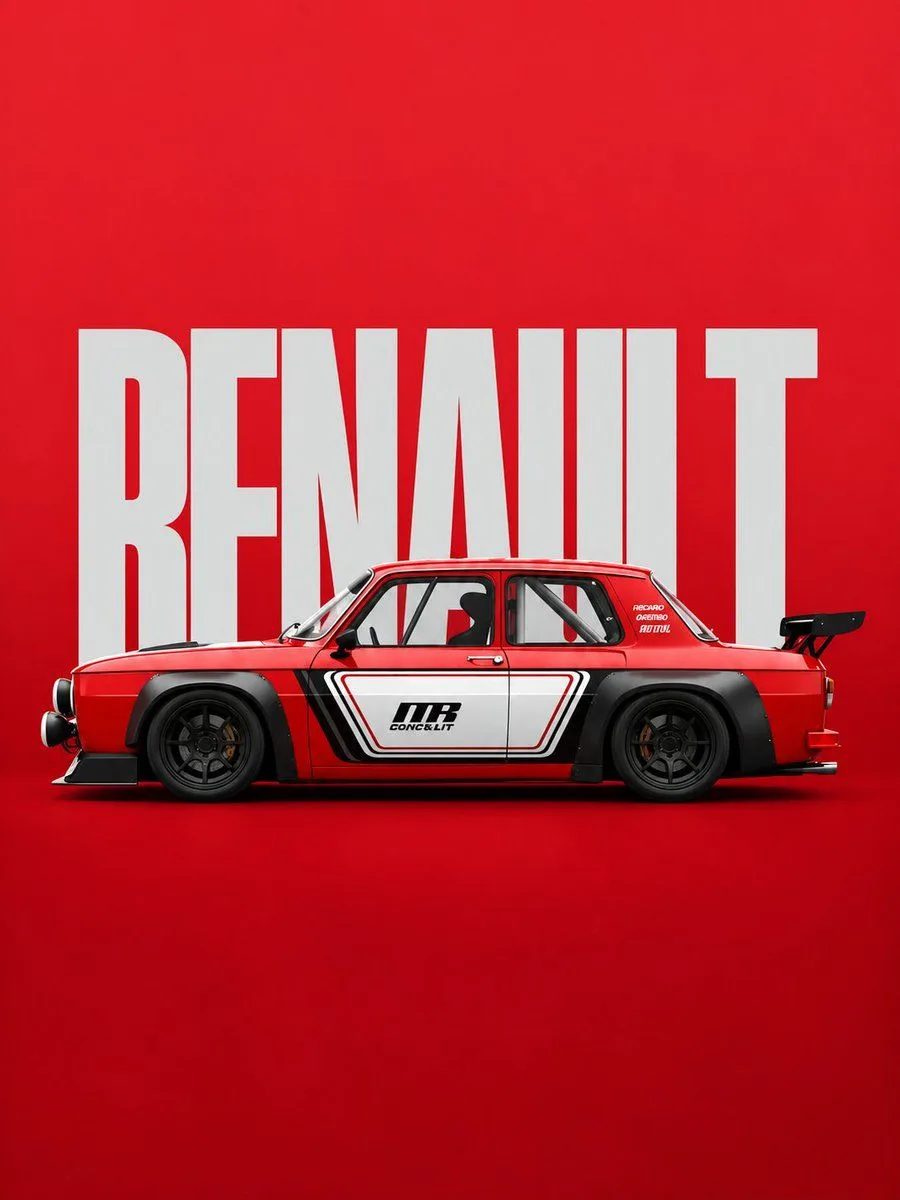
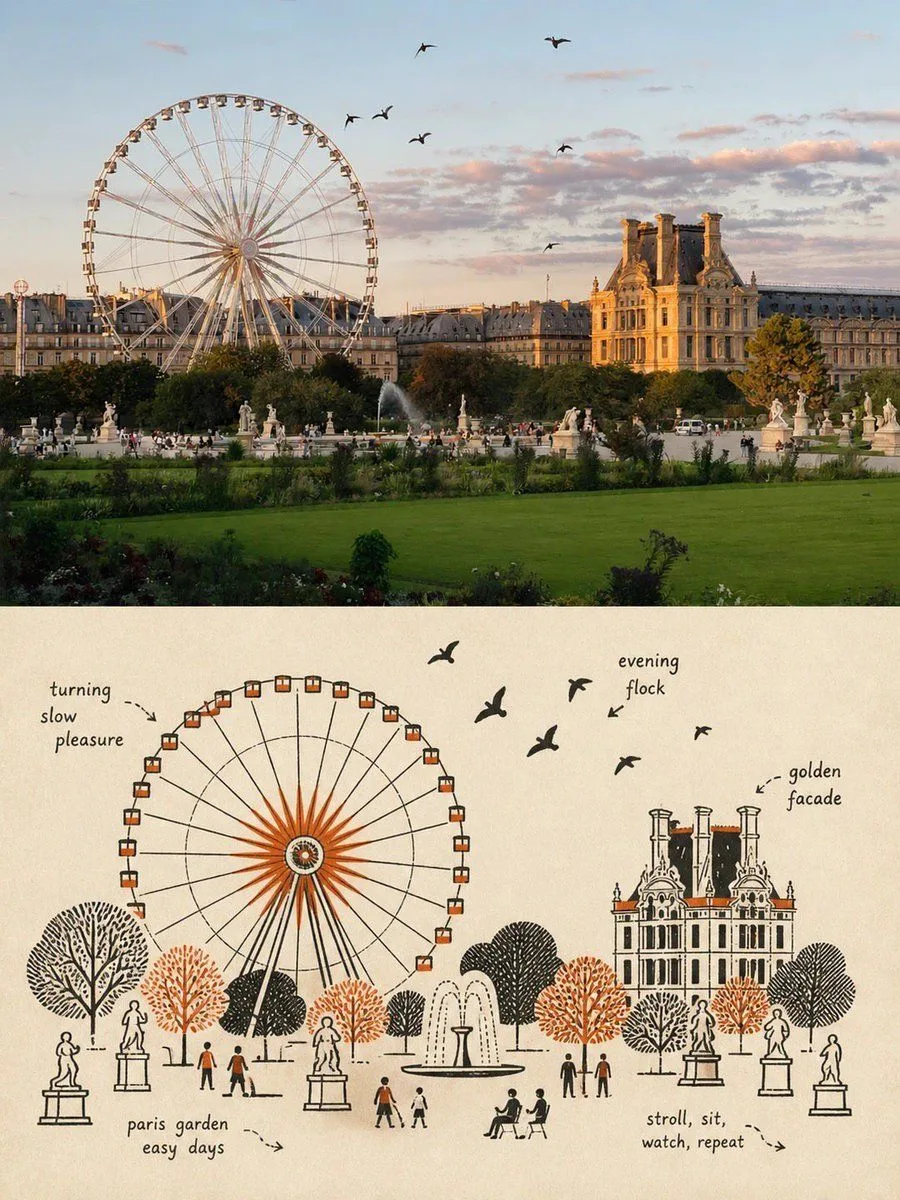

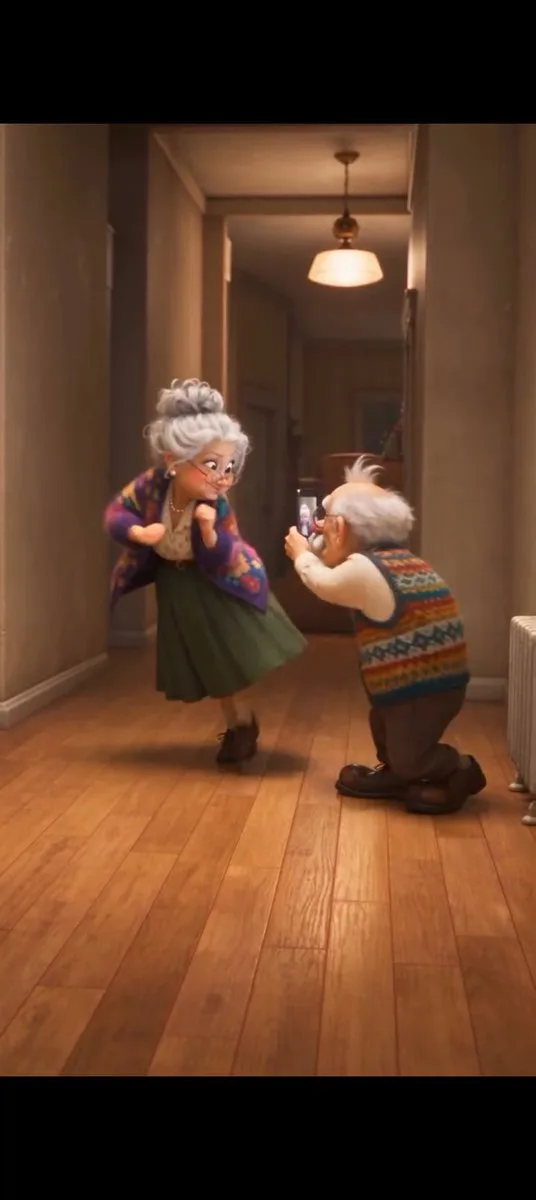
What Qwen Image 3.0 is built to deliver
Qwen Image 3.0 is Alibaba's Qwen3 image generator built for production work where words must stay readable. It handles Qwen Image 3.0 text rendering down to 10px, supports 12 languages, and follows…
Qwen Image 3.0 Features Built for Real Production Work
Qwen Image 3.0 is the third-generation foundational image generation model in Alibaba's Qwen-Image series, following the Precision of Qwen-Image-1.0 and the variety and authenticity of Qwen-Image-2.0. The core promise here comes down to a single word — Real — meaning output you can deploy rather than output you only…
Qwen Image 3.0 Text Rendering Down to 10px
Ask for an academic page with LaTeX derivations, subscripts, superscripts, Greek letters, and theorem numbering, and Qwen Image 3.0 text rendering keeps every symbol readable instead of melting it into squiggles. The model is documented to resolve type as small as 10px, which is roughly the threshold where…
Qwen Image 3.0 Complex Layouts: Newspapers and Storyboards
Qwen Image 3.0 accepts instructions of up to 4.5k tokens, so a single request can describe an information-dense canvas rather than one subject on a blank backdrop. A documented example pushes this to a 3x3 grid where each cell is its own mini-infographic — a safety comic, a spatial geometry lesson, a physics…
Qwen Image 3.0 Nested UI Generation and Realistic Textures
Depth matters as much as width. Qwen Image 3.0 nested UI generation lets one prompt render layers of interface inside interface — an editor window containing a chat app containing a printed poster — with each layer keeping its own authentic chrome and type conventions. Pair that with Qwen Image 3.0 realistic…
Qwen Image 3.0 Image Editing and Access
Qwen Image 3.0 image editing goes well beyond global restyling. In documented cases it overlays red handwritten annotation — underlines, wavy lines, circles, arrows, short margin comments — onto a book page with fluent handwriting, and it can work on damaged or incomplete traditional paintings while respecting the…
Create with Qwen Image 3.0
Use Qwen Image 3.0 in the browser studio with clear credit pricing and downloadable results.
Use Qwen Image 3.0 in 3 steps
You frame the scene. Our agent handles Qwen Image 3.0, task status, and delivery — then hands back an image ready to use.
Describe the scene
Tell Qwen Image 3.0 what you need in natural language, then add style, lighting, palette, mood, or subject details for tighter direction.
Let the agent render
The studio submits the right Qwen Image 3.0 parameters and keeps checking the asynchronous job while you stay on the page.
Download and publish
Your Qwen Image 3.0 result appears as soon as it is ready. Download it for campaigns, mockups, storyboards, or product content.
Try GPT Image 2 Free — No Sign-Up Required
Create high-quality AI images from text with GPT Image 2. Try it free with no sign-up or credit card required—just enter a prompt and start creating.
Subscription Plans
Credits are added automatically every billing cycle
Starter
For personal content and side projects
$19.99/mo
$119.99 billed yearly
7,200 credits / year
≈ 1,200 images at 1K
- Credits available for 365 days
- Commercial usage
- Email support
Pro
For creators with a steady publishing rhythm
$39.99/mo
$219.99 billed yearly
15,600 credits / year
≈ 2,600 images at 1K
- Credits available for 365 days
- Priority queue
- API access
Studio
For teams and high-volume campaigns
$79.99/mo
$399.99 billed yearly
33,600 credits / year
≈ 5,600 images at 1K
- Credits available for 365 days
- Fastest generation queue
- Team-ready volume
Qwen Image 3.0 FAQ
Straight answers about Qwen Image 3.0, prompting, editing, and credits.
Stop fighting gibberish text in your images
Join in seconds, claim your starter credits, and turn the next brief into an image with Qwen Image 3.0.