AI Image Editor: Online Prompt-Based Photo & Picture Editing
Use this online AI image editor to edit photo with AI by uploading a source picture and describing the change you want. This prompt-based image editor works as an AI photo editor and AI picture editor: remove people, change the sky to sunset, restore old photos, swap objects, or restyle an image with image-to-image models like GPT Image 2, Flux-2 Pro, Seedream 5 Pro, and Nano Banana. It preserves face and identity plus unmentioned details, and after sign-in you get free trial credits to test edits before downloading.
What Is an AI Image Editor?
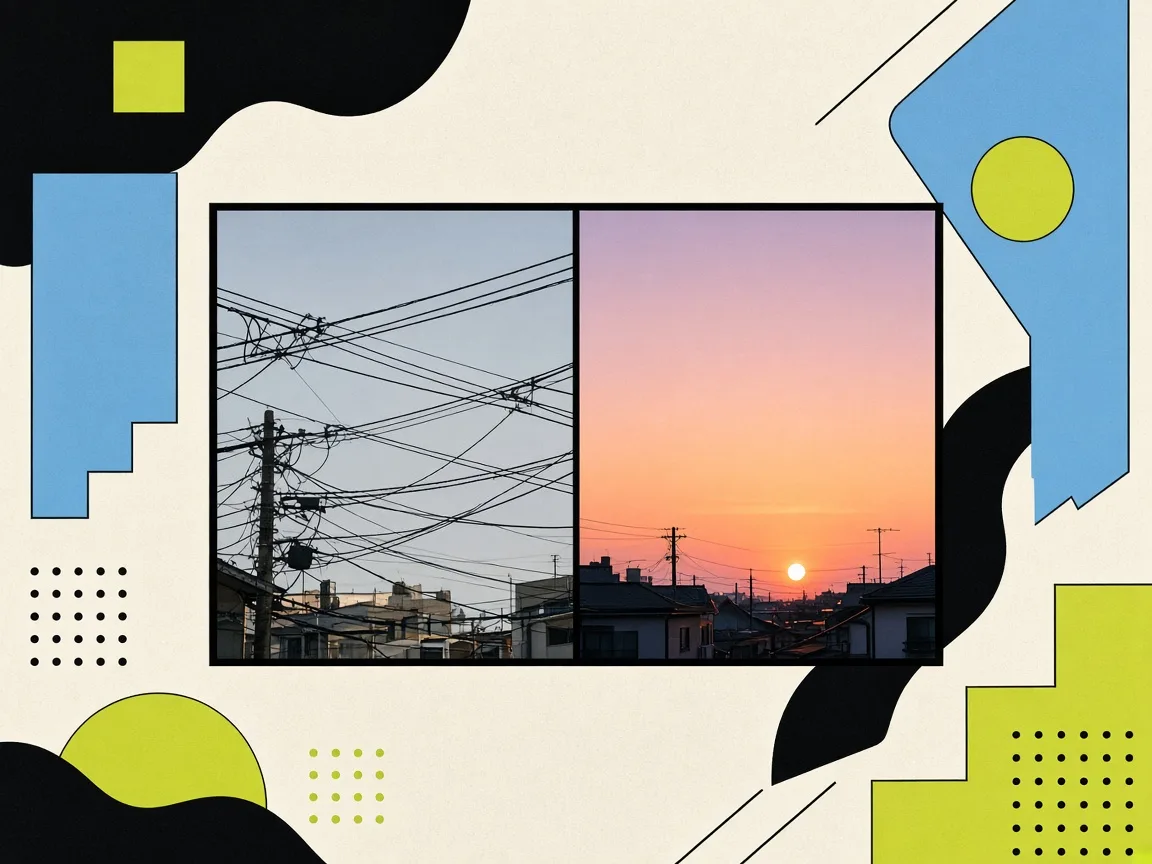
Use this online AI image editor to edit photo with AI by uploading a source picture and describing the change you want. This prompt-based image editor works as an AI photo editor and AI picture editor: remove people, change the sky to sunset, restore old photos, swap objects, or restyle an image with image-to-image models like GPT Image 2, Flux-2 Pro, Seedream 5 Pro, and Nano Banana.
Why Use This Online AI Image Editor?
Social media managers, marketers, and casual users edit photos with text prompts instead of complex desktop tools—upload, describe the change, switch models, and download.
AI Image Editor for Removing People From Photos
You finally got the shot you wanted, and then you notice a stranger wandering through the background or an ex-partner on the edge of the frame. Upload that picture and type what you want gone, such as "remove the person on the left and rebuild the wall behind them," and the editor fills the gap with content that matches the original scene.
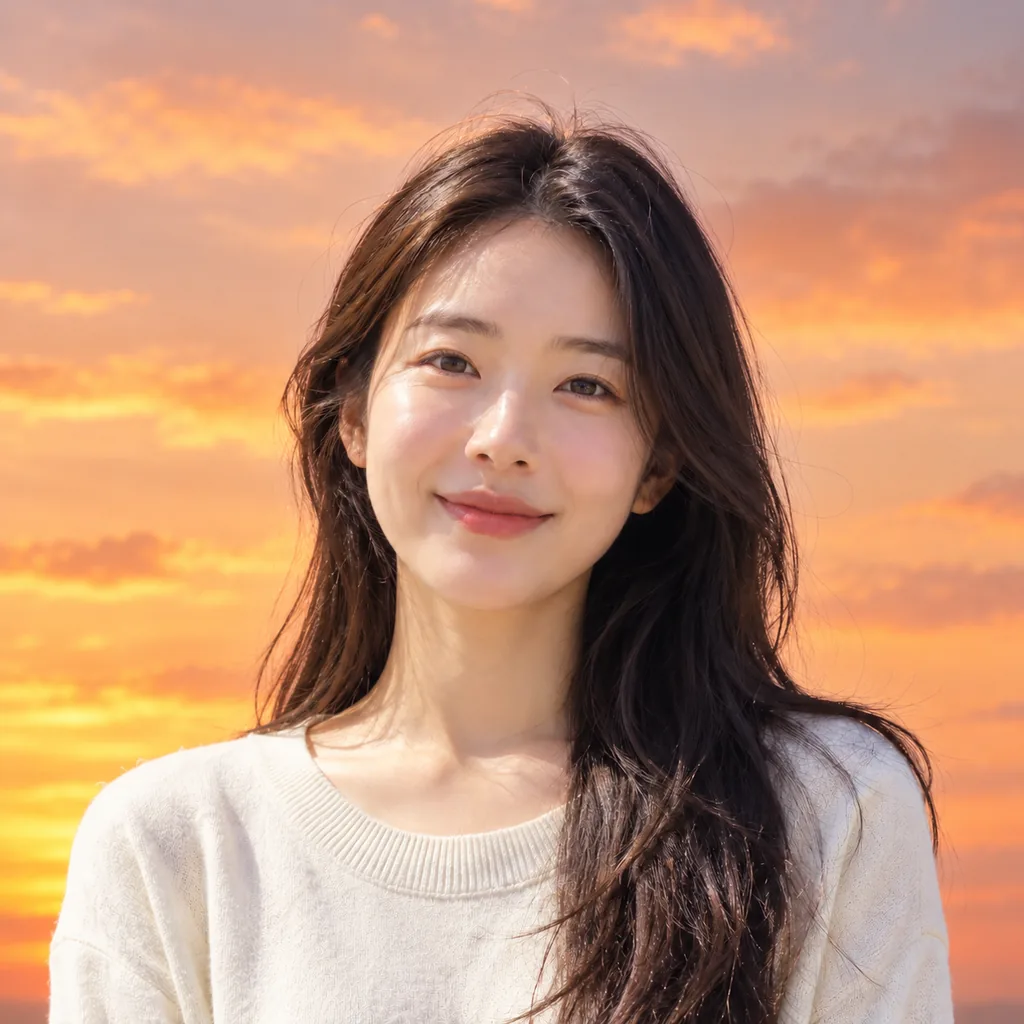
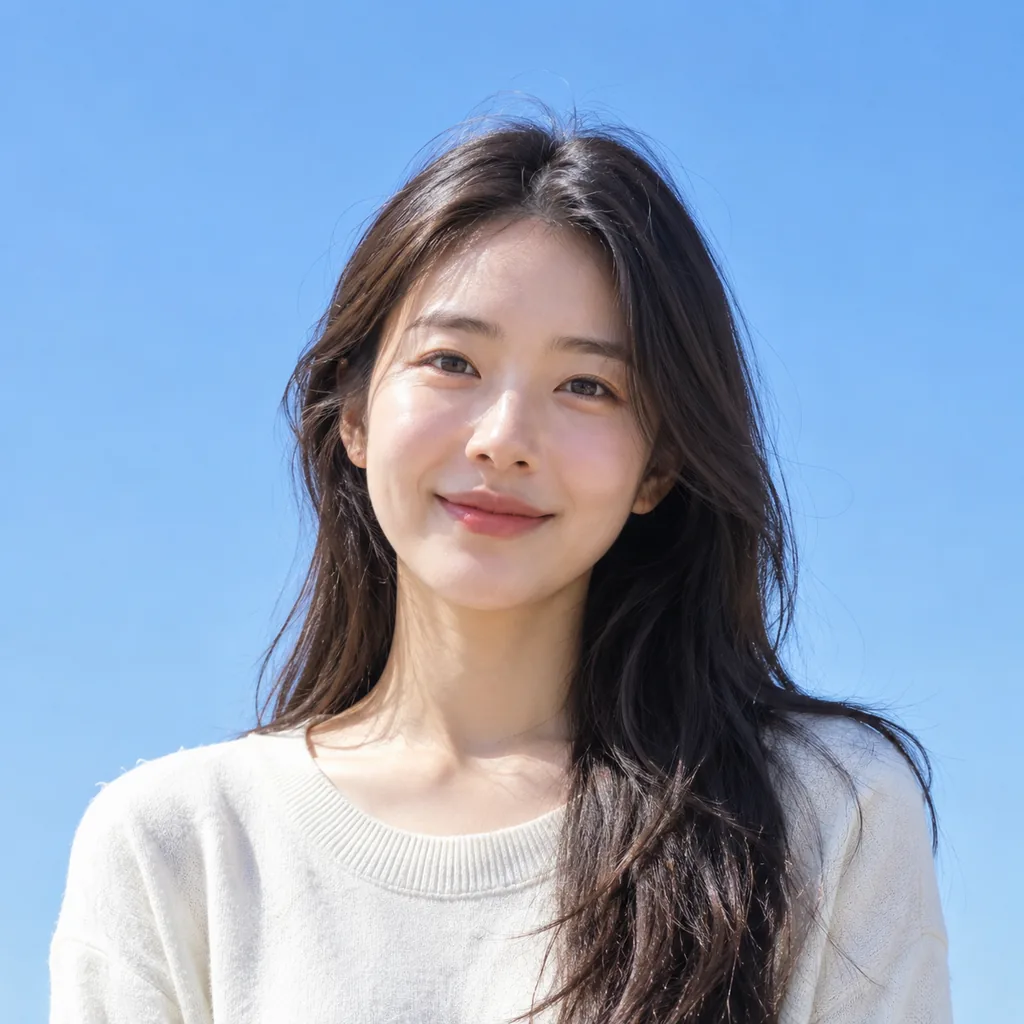
AI Photo Editor to Change Sky to Sunset
Flat gray skies make otherwise good photos look forgettable, especially in listings, travel posts, and social ads. Describe the mood you actually want, like a warm sunset with golden light, and this AI photo editor replaces the sky while relighting your subject so the shadows and color temperature still make sense.
Online AI Image Editor for Old Photo Restoration
Faded prints, scratches, creases, and soft focus are the normal fate of family photos, and the original is often the only copy anyone has left. Send in a scan or phone photo of the print and ask the tool to repair the damage, sharpen what has gone blurry, and clean up grain while keeping faces recognizable.
AI Image Editor Features
Prompt-based photo and picture editing for remove people, sky changes, restorations, object swaps, and model switching with identity-preserving image-to-image edits.
AI Image Editor for Removing People From Photos
You finally got the shot you wanted, and then you notice a stranger wandering through the background or an ex-partner on the edge of the frame. Upload that picture and type what you want gone, such as "remove the person on the left and rebuild the wall behind them," and the editor fills the gap with content that matches the original scene. No cloning stamp, no layer masks, no hour of retouching.
AI Photo Editor to Change Sky to Sunset
Flat gray skies make otherwise good photos look forgettable, especially in listings, travel posts, and social ads. Describe the mood you actually want, like a warm sunset with golden light, and this AI photo editor replaces the sky while relighting your subject so the shadows and color temperature still make sense. What used to require masking and grading now takes one prompt and a few seconds.
Online AI Image Editor for Old Photo Restoration
Faded prints, scratches, creases, and soft focus are the normal fate of family photos, and the original is often the only copy anyone has left. Send in a scan or phone photo of the print and ask the tool to repair the damage, sharpen what has gone blurry, and clean up grain while keeping faces recognizable. Because it runs in your browser, you can restore a picture from a laptop, a tablet, or a borrowed computer without installing anything.
AI Picture Editor to Swap Objects in an Image
The prop in your product shot is wrong, the chair in your rental listing clashes with the walls, or the car in the background dates the whole photo. Use this AI picture editor to describe the replacement in plain language, like "swap the ceramic vase for a glass bottle," and the new object picks up the scene's lighting, angle, and shadows. Everything you did not mention, including the subject and the surrounding room, stays exactly where it was.
AI Image Editor With GPT Image 2 and Flux-2 Pro
Different edits behave differently on different models, so this image-to-image AI editor lets you switch between GPT Image 2 and 2.5, Flux-2 Pro, Seedream 5 Pro, and Nano Banana 2 or Pro inside the same workflow. Restyle a portrait as cinematic film one minute and switch models for a cleaner product render the next, without juggling five tabs or relearning a new interface each time.
Free trial credits after sign-in
Claim free trial credits to test real edits on your own photos. This AI image editor is not unlimited free forever, and generation requires an account.
How to Edit Photos With AI Text Prompts
Upload your photo, describe the edit, choose an image-to-image model, and download the result.
1. Upload Your Photo
Drag in a picture from your phone, laptop, or downloads folder and it appears in the editor canvas, ready to work on. No installs, no plugins, no project setup.
2. Describe the Edit in a Prompt
Write the change in ordinary language, such as "remove the power lines," "change the sky to sunset," or "restore this old photo." Small, specific prompts give you the most control, and you can keep refining until it looks right.
3. Switch Models and Download
Pick the model that suits the job, generate your edited image, and download the version you want. Your face, your subject, and any detail you never mentioned are meant to carry through untouched.
What Users Say About This AI Image Editor
People who need fast photo fixes without a full design suite use prompt-based editing for everyday posts and campaigns.
“I manage posts for three accounts and I am not a designer, so I need fast fixes rather than a full editing suite. Being able to type "remove the customer in the background" or "warm up the lighting" and get something usable right away saves me from passing every small edit to our agency. It has become the first tab I open when a photo is close but not quite postable.”
“My supplier photos all come against the same boring backdrop, and paying for reshoots is not realistic at my size. I upload a shot, describe the background and lighting I want, and download something that looks like it belongs in my store. The tool keeps the product itself intact, which is the part I was most worried about.”
“I shoot on my phone, so most of my photos need small rescue jobs before they go anywhere. Changing a dull sky into a sunset and cleaning up street clutter now takes me a couple of prompts instead of a whole evening. I like that it runs in the browser and I can switch models when one gives me a better result.”
AI Image Editor FAQ
Answers about free trial credits, prompt editing, model choice, downloads, and what this AI photo editor can change.
You get free trial credits after signing in, which is enough to test real edits on your own photos before deciding anything. It is not an unlimited free-forever tool, and edits are tied to an account rather than staying open to anonymous visitors. Think of it as a no-risk way to see how the results look on the images you actually care about.
Start editing
Ready to Edit Your Photo With AI?
Use this online AI image editor to edit photo with AI by uploading a source picture and describing the change you want.