AI Image Generator From Text Prompt: Create Downloadable AI Images Fast
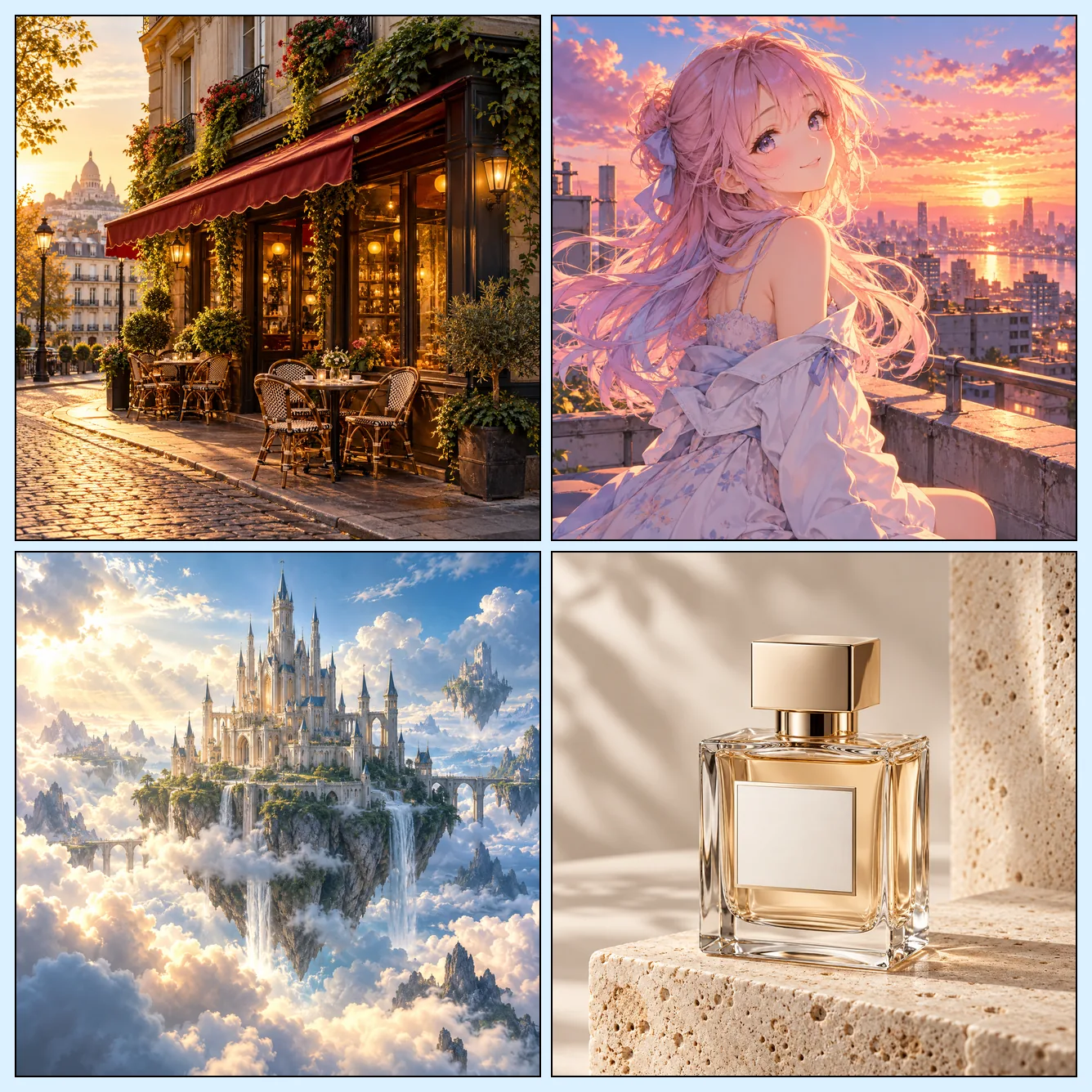
Use this AI image generator to turn a plain text prompt into a finished visual you can download. As a text to image AI generator, it lets you create AI images, generate image from text, and switch among GPT Image 2, GPT Image 2.5, Flux-2 Pro, Seedream 5 Pro, Nano Banana 2/Pro, and Grok Imagine without breaking your flow. This AI photo generator and AI picture generator also supports image-to-image, style presets, and aspect ratio controls, so marketers, designers, creators, and hobbyists can shape the scene, mood, and composition before generating. New accounts get free trial credits, sign-in is required to generate, and every successful run produces downloadable AI generated images. Whether you need an AI art generator for concepts or an AI image maker for campaigns, start with an idea and get a usable image in seconds.
What Is an AI Image Generator?
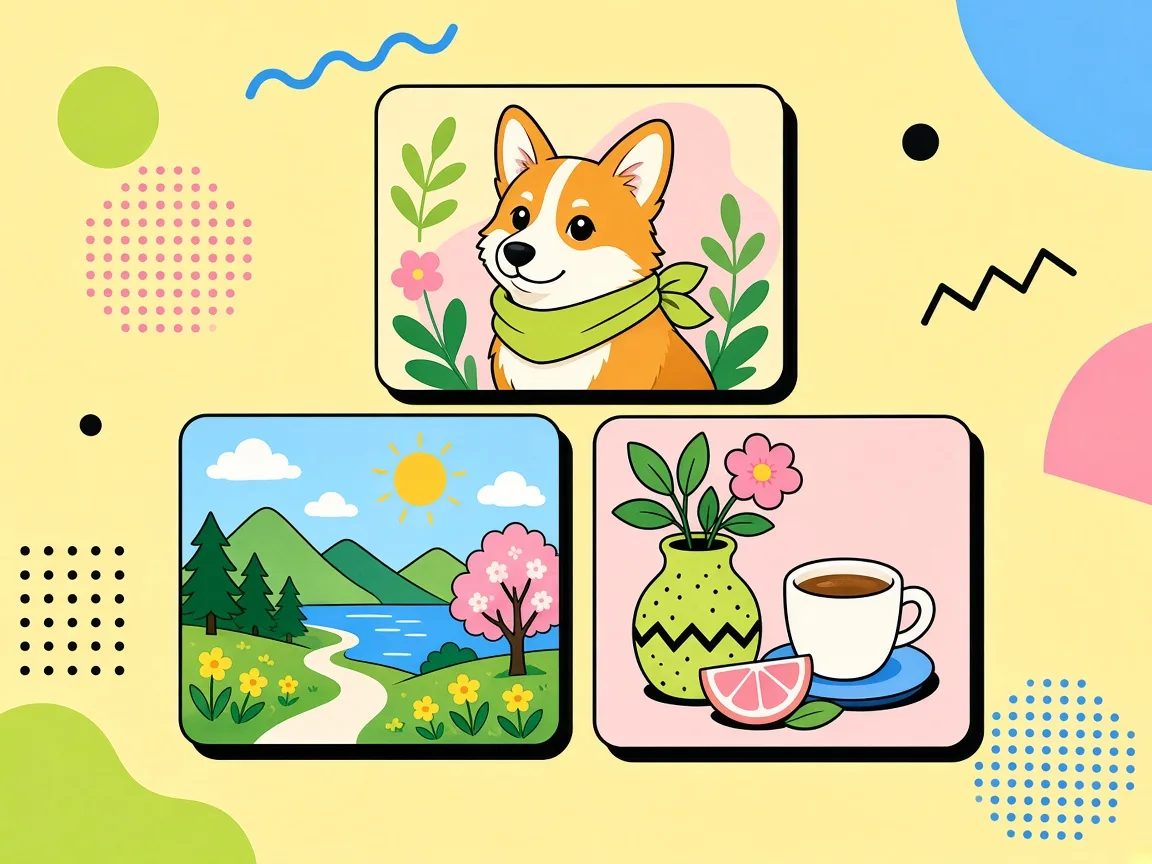
Use this AI image generator to turn a plain text prompt into a finished visual you can download. As a text to image AI generator, it lets you create AI images, generate image from text, and switch among GPT Image 2, GPT Image 2.5, Flux-2 Pro, Seedream 5 Pro, Nano Banana 2/Pro, and Grok Imagine without breaking your flow.
Why Use This AI Image Generator?
Creators, marketers, and hobbyists use this AI image generator to turn text prompts into downloadable images with model choice, style controls, and free trial credits.
AI Image Generator From Text Prompt: Start With an Idea
You do not need design software or a complicated workflow to get a visual out of your head. Type the subject, mood, setting, and details you want, then.
Text to Image AI Generator Online With Multiple Models
Different projects call for different visual directions, so this page puts several engines in one place. You can switch among GPT Image 2, GPT Image 2.5, Flux-2 Pro.
AI Photo Generator With Style and Aspect Ratio Controls
A strong image is not only about the prompt; the frame and mood matter too. This AI photo generator with style and aspect ratio controls lets you choose.
AI Image Generator Features
Generate images from text, switch models, control style and aspect ratio, try image workflows that fit campaigns and creative drafts, and download results after you claim free trial credits.
AI Image Generator From Text Prompt: Start With an Idea
You do not need design software or a complicated workflow to get a visual out of your head. Type the subject, mood, setting, and details you want, then let the AI image generator from text prompt turn those words into a usable image. Add a style or aspect ratio when you want more control, or keep it simple and let the tool interpret your idea. It is built for marketers, designers, content creators, and hobbyists who want to create AI images quickly. The interface keeps the main steps visible, so you can move from a rough phrase to a visual draft without hunting through hidden menus.
Text to Image AI Generator Online With Multiple Models
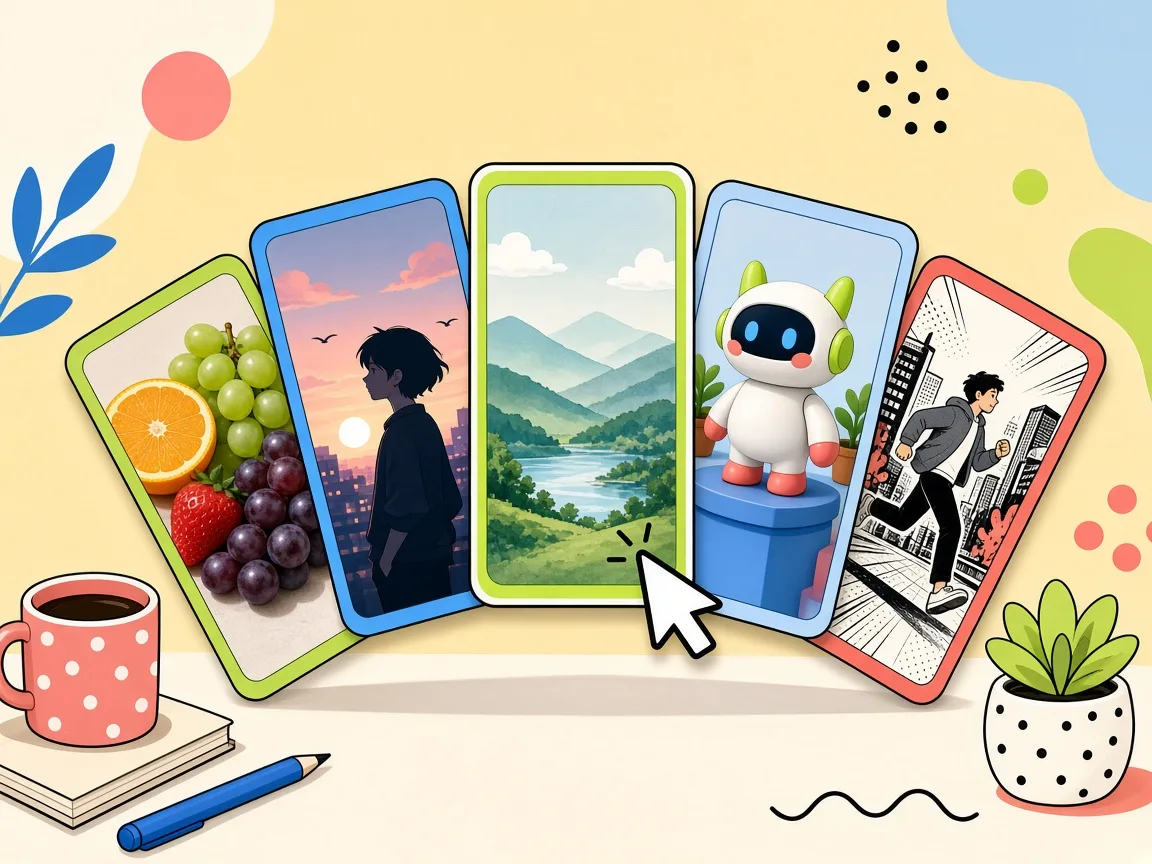
Different projects call for different visual directions, so this page puts several engines in one place. You can switch among GPT Image 2, GPT Image 2.5, Flux-2 Pro, Seedream 5 Pro, Nano Banana 2, Nano Banana Pro, and Grok Imagine while staying inside the same text to image AI generator online. That means you can compare a realistic look, an illustrated feel, or a more stylized result without opening five separate subscriptions. It is an AI image generator with multiple models designed to keep your creative flow intact. If you are unsure which model suits a project, run the same prompt through two or three options and compare the results side by side.
AI Photo Generator With Style and Aspect Ratio Controls
A strong image is not only about the prompt; the frame and mood matter too. This AI photo generator with style and aspect ratio controls lets you choose a visual treatment and a format before you generate image from text. Create a square graphic for social, a vertical visual for stories, a wide banner for a landing page, or a presentation-ready image. The settings give you useful guardrails while your text prompt remains the main creative direction. It is a simple way to keep your visuals consistent across campaigns, platforms, and creative briefs.
AI Picture Generator From a Prompt, Built for Speed
When inspiration strikes, you want to see something on screen before the idea fades. This AI picture generator from a prompt keeps the path short: describe, choose, generate, and review. Use it to draft storyboards, moodboards, thumbnails, ad concepts, and client previews without a steep learning curve. You can refine your wording and regenerate until the result feels closer to the picture in your mind. Because the tool is browser-based, you can use it on a laptop or desktop without installing anything.
Free Trial AI Image Generator With Downloadable AI Generated Images
New accounts get free trial credits, so you can test the workflow before committing to a paid plan. Sign in to claim those credits, write your prompt, and use the free trial AI image generator to see what each model can do. When you land on a result you like, downloadable AI generated images make it easy to keep and use the output. It is also an image-to-image AI generator for moments when you want to start from an existing visual, and a practical AI image maker for everyday creative work. That makes it useful for testing an idea, producing a first draft, or creating a final asset for lighter projects.
Free trial credits to test models and styles
New accounts get free trial credits to try the AI image generator across models, styles, and aspect ratios. Sign-in is required to generate; it is not an unlimited free forever plan.
How to Use the AI Image Generator
Follow three steps: write a prompt, pick style and model, then generate and download your image.
1. Write a Text Prompt
Enter a prompt with the subject, setting, mood, and details you want to see. You can keep it simple or add specific art direction, then let the AI image generator from text prompt build the first version.
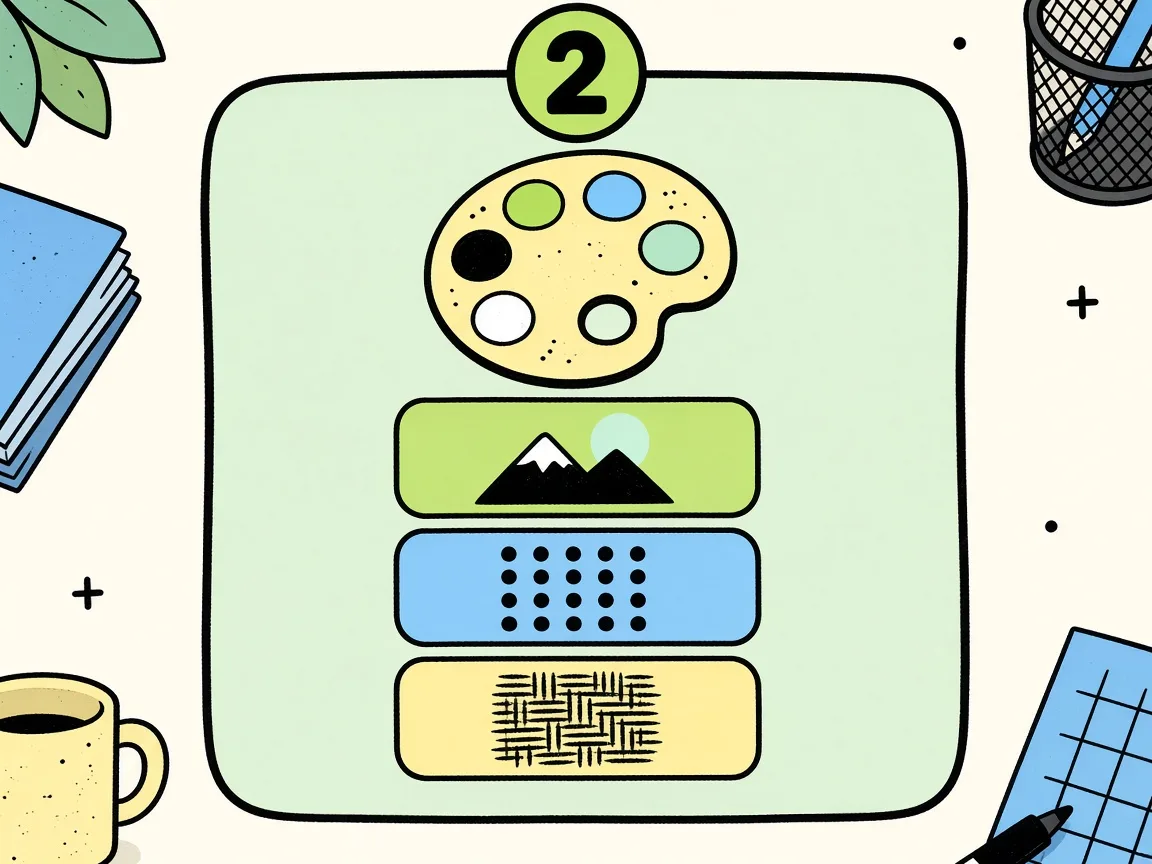
2. Pick Style and Model
Choose a style and aspect ratio, then switch among GPT Image 2, Flux-2 Pro, Seedream 5 Pro, Nano Banana 2 or Pro, Grok Imagine, and other available models. This step helps the AI image generator with multiple models match the look and format you need.
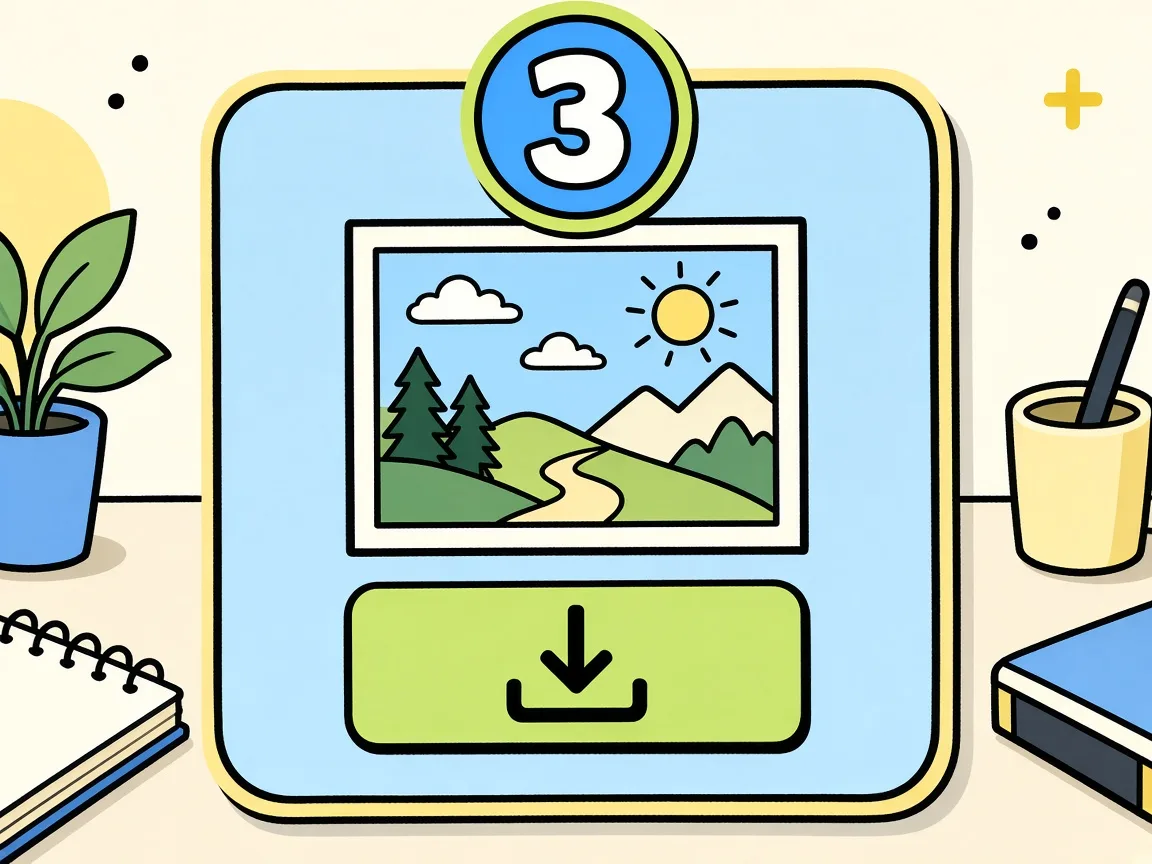
3. Generate and Download
Click generate and wait for the text to image AI generator online to render your image. If you want to adjust an existing image, use the image-to-image AI generator, then download the final AI generated image when it is ready.
AI Image Generator FAQ
Common questions about free trial credits, models, styles, downloads, and safe use of this AI image generator.
Yes, new accounts receive free trial credits to test the AI image generator. You do need to sign in to generate and claim those credits; it is not an unlimited free forever plan. After the trial, you can decide whether the tool fits your image creation needs. The free trial is designed to let you try different models, styles, and aspect ratios before you commit. You can explore the page first, but sign-in is required when you are ready to generate.
Start creating
Turn Your Prompt Into a Downloadable AI Image
Use this AI image generator to turn a plain text prompt into a finished visual you can download.