AI Image Upscaler 2X 4X: Upscale Photos Online with AI
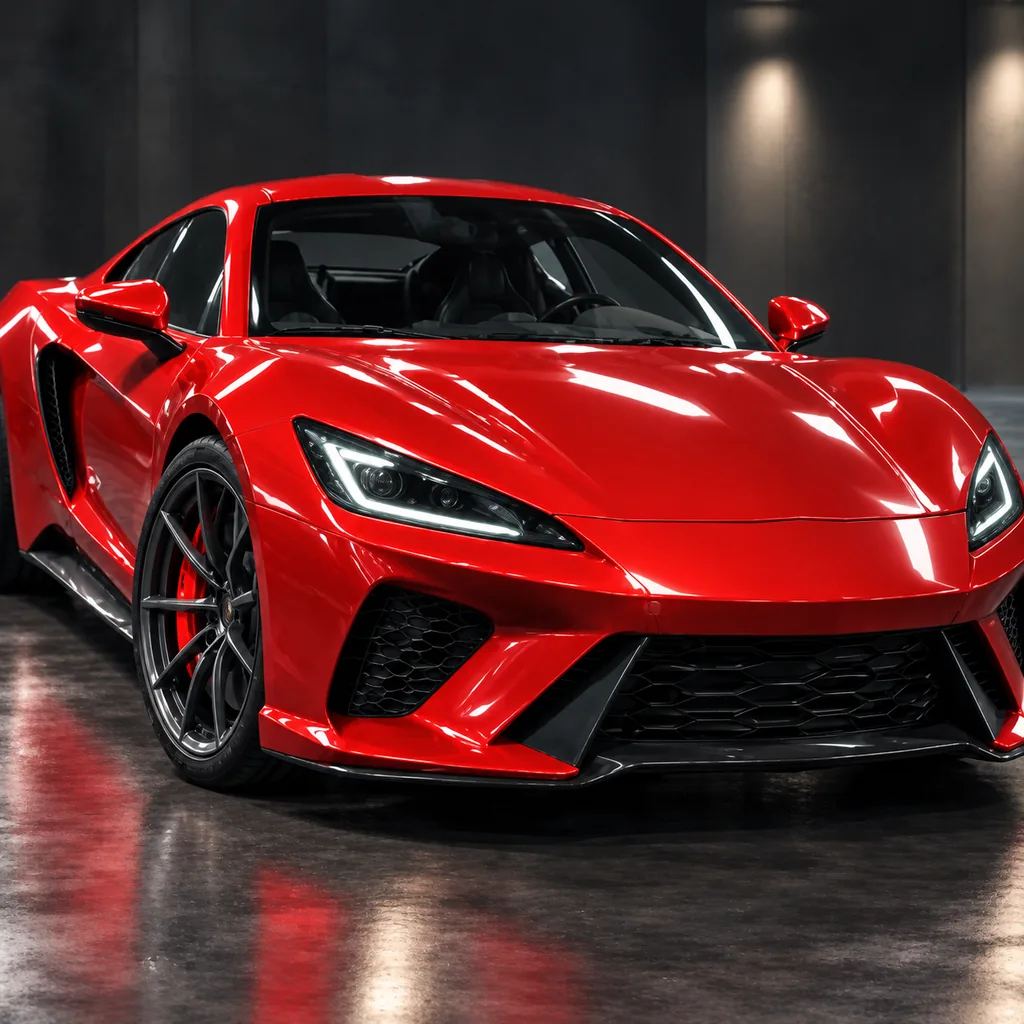
Use this AI image upscaler to upscale images online with AI at 2X or 4X, turning small or blurry files into sharper, cleaner visuals without manual resizing. Whether you need an AI photo upscaler for product shots, an AI image upscaler for portraits, or a fast AI image enhancer for anime and digital art, it rebuilds detail for ecommerce listings, websites, and print-ready clarity.
What is an AI image upscaler?
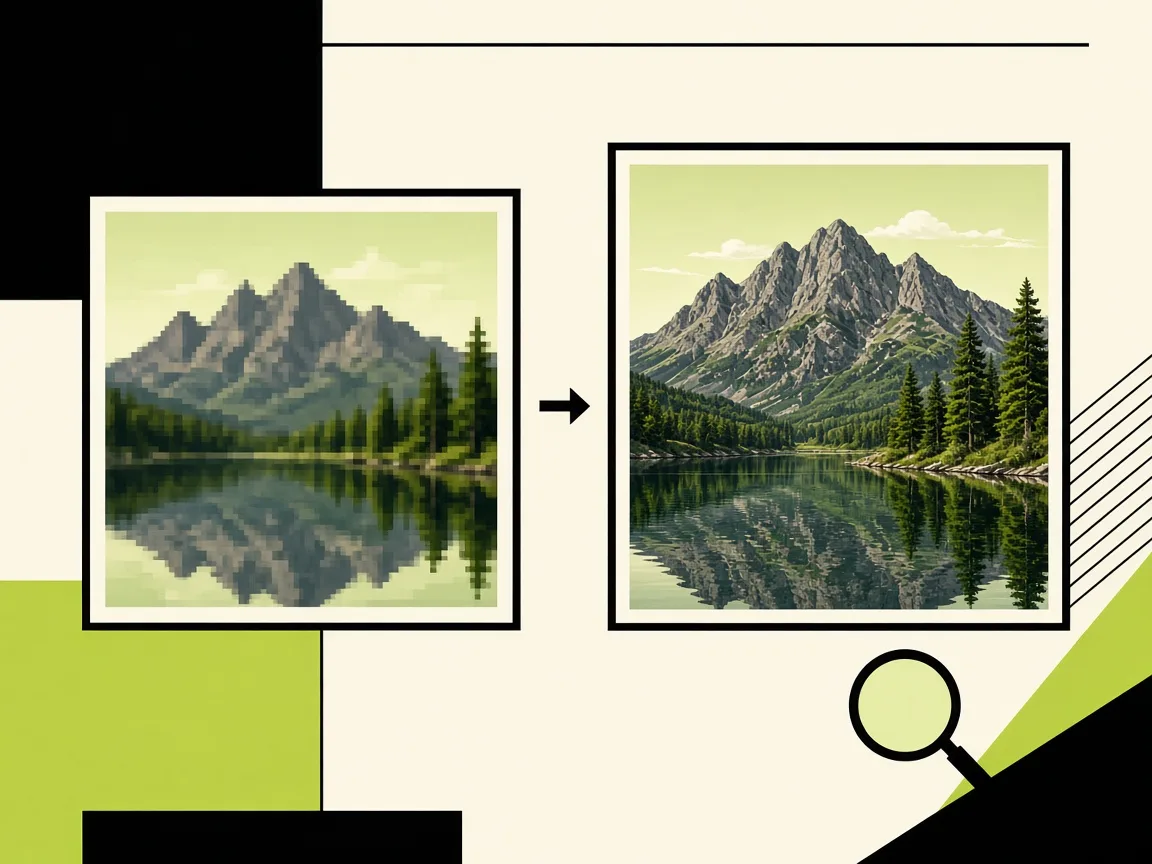
Use this AI image upscaler to upscale images online with AI at 2X or 4X, turning small or blurry files into sharper, cleaner visuals without manual resizing. Whether you need an AI photo upscaler for product shots, an AI image upscaler for portraits, or a fast AI image enhancer for anime and digital art, it rebuilds detail for ecommerce listings, websites, and print-ready clarity.
Why use AI Image Upscaler
When a photo, product image, or illustration is too small or soft, you do not need to rebuild it from scratch. This AI image upscaler enlarges your file by 2X or 4X while adding cleaner edges, textures, and detail. Think
AI Image Upscaler 2X 4X for Sharper Photos and Art
When a photo, product image, or illustration is too small or soft, you do not need to rebuild it from scratch. This AI image upscaler enlarges your file by 2X or 4X while adding cleaner edges, textures, and detail. Think of it as an AI image enlarger and AI image enhancer that he
Upscale Images Online with AI for Product Shots and Ecommerce
Ecommerce sellers know that a blurry product photo can make a listing feel less trustworthy. The AI photo upscaler for product shots helps you turn low-resolution catalog images into sharper visuals for storefronts, ads, and marketplaces. If you need an AI image upscaler for ecom
AI Image Upscaler for Portraits and Low-Resolution Photos
Portraits often suffer from old camera files, compressed chat images, or social media downloads that have lost detail. This AI image upscaler for portraits is built to sharpen low-resolution photos with AI while preserving natural skin, hair, and facial structure. Instead of acce
AI Image Upscaler features
When a photo, product image, or illustration is too small or soft, you do not need to rebuild it from scratch. This AI image upscaler enlarges your file by 2X or 4X while adding cl
AI Image Upscaler 2X 4X for Sharper Photos and Art
When a photo, product image, or illustration is too small or soft, you do not need to rebuild it from scratch. This AI image upscaler enlarges your file by 2X or 4X while adding cleaner edges, textures, and detail. Think of it as an AI imag
Upscale Images Online with AI for Product Shots and Ecommerce
Ecommerce sellers know that a blurry product photo can make a listing feel less trustworthy. The AI photo upscaler for product shots helps you turn low-resolution catalog images into sharper visuals for storefronts, ads, and marketplaces. I
AI Image Upscaler for Portraits and Low-Resolution Photos
Portraits often suffer from old camera files, compressed chat images, or social media downloads that have lost detail. This AI image upscaler for portraits is built to sharpen low-resolution photos with AI while preserving natural skin, hai
Print-Ready AI Image Upscaling with Low Credit Cost on GPT Image2
Print projects demand more resolution than screens, and a small file can quickly become a bottleneck. Print-ready AI image upscaling gives you a practical way to prepare product shots, portraits, and design assets for larger output. With lo
AI Photo Upscaler and AI Image Enhancer for Anime and Digital Art
Anime frames, digital paintings, and graphic assets have crisp lines and flat colors that can break down when resized. This AI photo upscaler and AI image enhancer helps clean up low-resolution artwork, reduce visible pixelation, and make d
Free trial credits
Try the tool with free trial credits before choosing a plan or credit pack.
How to upscale an image with AI in 3 steps
Upload, process, download — the studio handles the job while you stay on the page.
1. Upload Your Image
Start with a low-resolution photo, product shot, portrait, anime artwork, or graphic. Upload it to the online AI image upscaler and keep the original file safe on your device.
2. Choose 2X or 4X
Select the upscale ratio that fits your goal, whether you need a sharper web asset or a print-ready export. The AI image upscaler 2X 4X workflow enlarges the image while enhancing detail.
3. Download Sharper Result
Preview the enhanced image, then download the high-resolution version for publishing, sharing, or further design work. You can upscale photo online without repeating the same manual steps.
AI Image Upscaler FAQ
Straight answers about how it works, credits, and downloads.
Start with the best original file you have, then let the AI image upscaler enlarge it by 2X or 4X instead of using a basic resize. The AI model adds detail and edge clarity while preserving the natural look of photos, product shots, portraits, and artwork. For print, check the final dimensions against your printer or platform requirements.
AI IMAGE UPSCALER
Upscale Your Image with AI Today
Open the studio, spend free trial credits, and download your result in minutes.