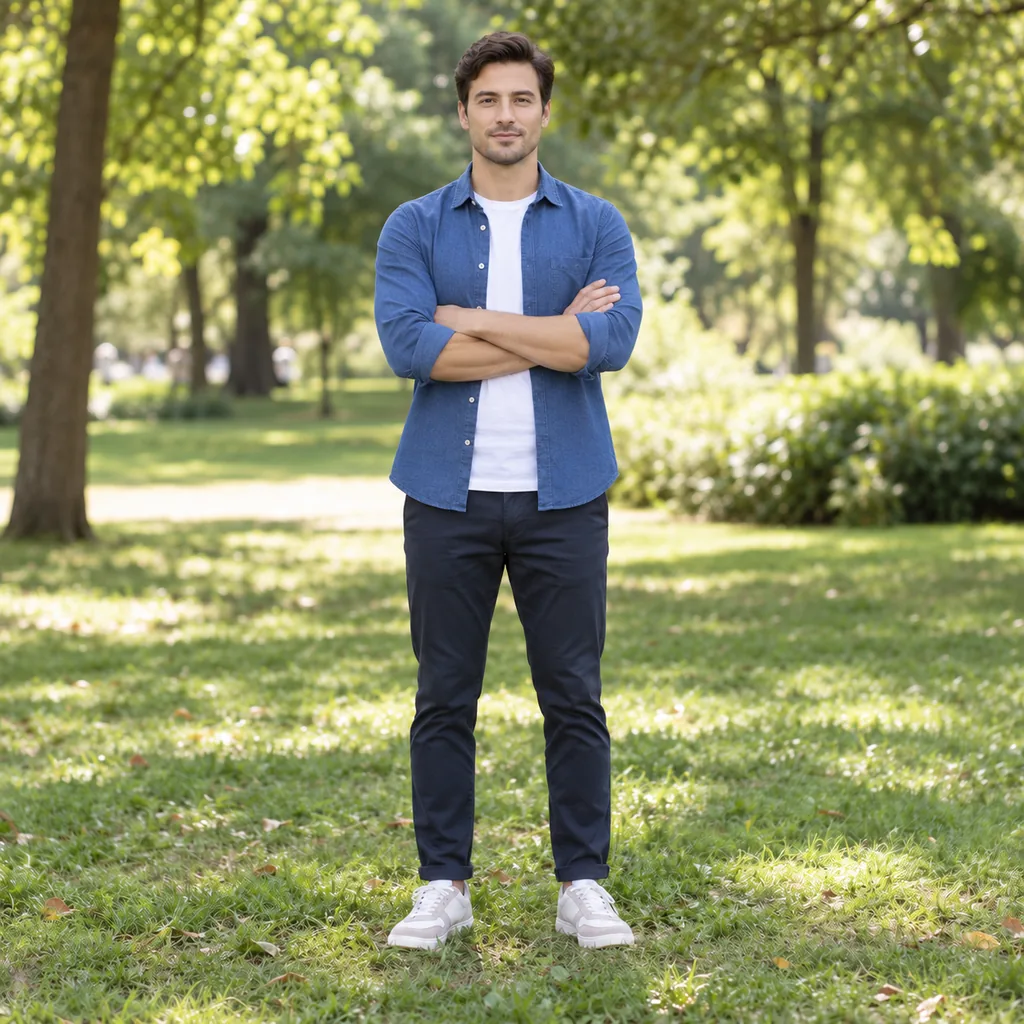
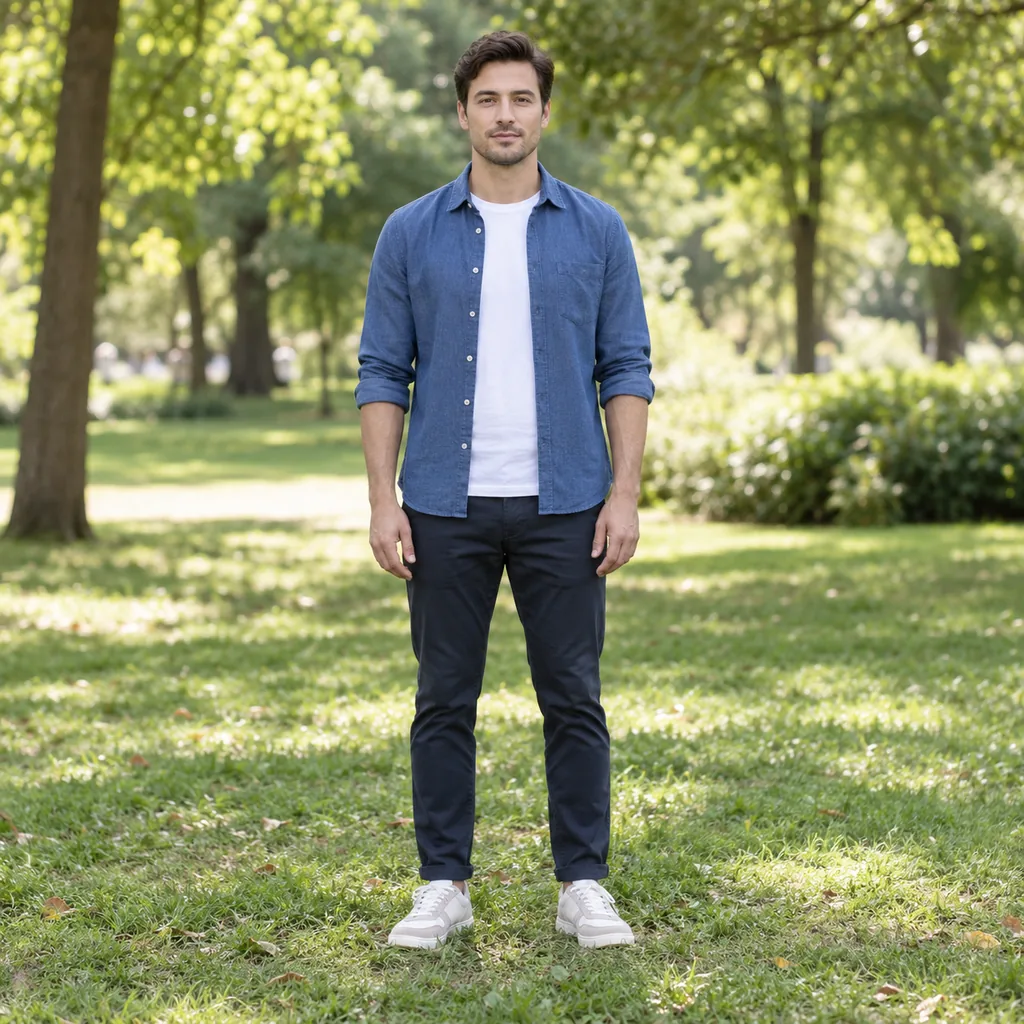
AI Pose Changer: Change Pose in a Photo While Keeping Face, Clothing, and Background
Upload a portrait to this AI pose changer and create new poses, gaze, and expressions without booking another shoot. It works as an AI pose editor and AI photo pose changer: use it as an image pose changer or picture pose changer, and the model uses your photo as the reference so you can change pose in a photo or change body pose online while keeping the subject's face, clothing, and background consistent.
What is an AI pose changer?
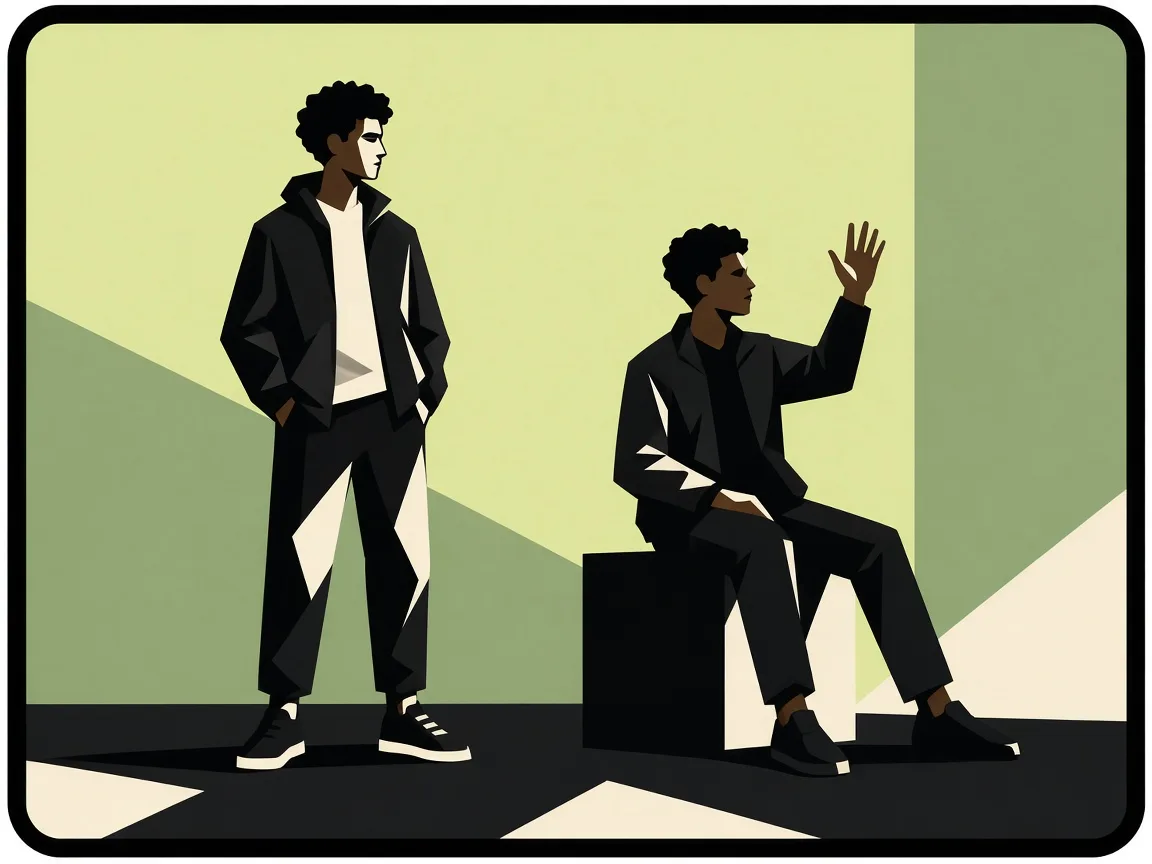
Upload a portrait to this AI pose changer and create new poses, gaze, and expressions without booking another shoot. It works as an AI pose editor and AI photo pose changer: use it as an image pose changer or picture pose changer, and the model uses your photo as the reference so you can change pose in a photo or change body pose online while keeping the subject's face, clothing, and background consistent.
Why use AI Pose Changer
When you have a portrait that nails the lighting but the stance feels stiff, an AI pose changer lets you change body pose online without booking a new session. Upload one clear headshot, pick a natural stance, and keep t
AI Pose Changer for Portraits and Headshots
When you have a portrait that nails the lighting but the stance feels stiff, an AI pose changer lets you change body pose online without booking a new session. Upload one clear headshot, pick a natural stance, and keep the same face, outfit, and background. It is built for Linked
Change Pose While Keeping Face, Clothing, and Background
The hardest part of editing a photo is protecting the details that make it yours. A good body pose editor repositions the body while preserving identity, clothing, lighting, and setting, so the result still looks like the same shot. You get an alternate pose without rebuilding th
Pose Library and Custom Text Prompt Pose Editing
If you know the exact stance you want, a pose library gives you quick starts such as hands on hips, crossed arms, slight turn, candid, thinking, or a peace sign. If your idea is more specific, describe it in plain language and the AI posing tool interprets the request. This makes
AI Pose Changer features
When you have a portrait that nails the lighting but the stance feels stiff, an AI pose changer lets you change body pose online without booking a new session. Upload one clear hea
AI Pose Changer for Portraits and Headshots
When you have a portrait that nails the lighting but the stance feels stiff, an AI pose changer lets you change body pose online without booking a new session. Upload one clear headshot, pick a natural stance, and keep the same face, outfit
Change Pose While Keeping Face, Clothing, and Background
The hardest part of editing a photo is protecting the details that make it yours. A good body pose editor repositions the body while preserving identity, clothing, lighting, and setting, so the result still looks like the same shot. You get
Pose Library and Custom Text Prompt Pose Editing
If you know the exact stance you want, a pose library gives you quick starts such as hands on hips, crossed arms, slight turn, candid, thinking, or a peace sign. If your idea is more specific, describe it in plain language and the AI posing
Alternate Poses from One Photo for Creators
Content creators often need more than one usable frame from a single shoot. With an AI pose changer, you can generate alternate poses from one photo for a carousel, thumbnail, or client preview while keeping the same identity and outfit. Po
Free AI Pose Changer with Trial Credits
You can test the workflow before paying: free trial credits on GPT Image2 let you upload a portrait, choose or describe a pose, and see how well identity and clothing are preserved. This is useful for social media users, content creators, p
Free trial credits
Try the tool with free trial credits before choosing a plan or credit pack.
How to change pose with AI in 3 steps
Upload, process, download — the studio handles the job while you stay on the page.
1. Upload Your Portrait
Choose a clear photo where the person's body and limbs are visible. The AI pose changer analyzes posture, lighting, and subject details so it can change body pose online without losing identity.
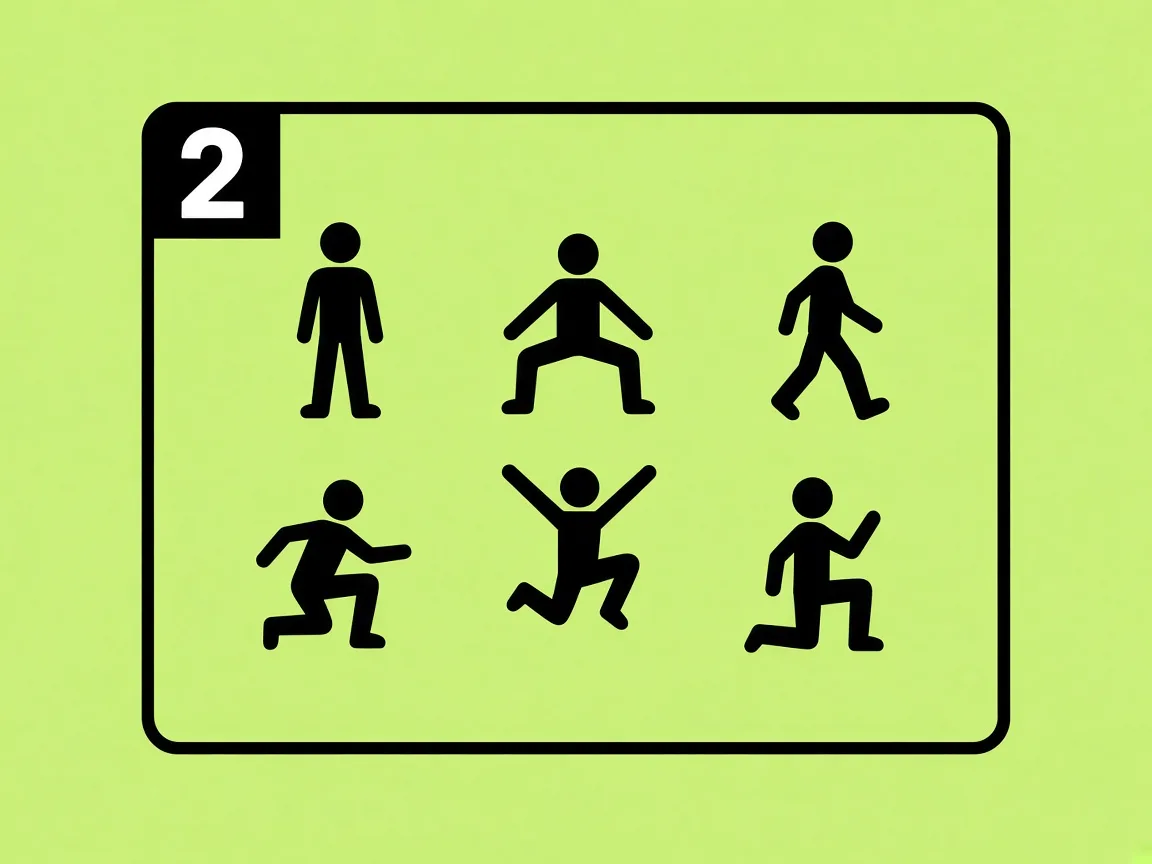
2. Choose or Describe a Pose
Pick a preset from the pose library or type a custom pose prompt, including gaze or expression changes. This is where a pose generator from photo turns your direction into a new stance while aiming to keep clothing and background intact.
3. Generate and Download
Run the AI pose editor and review the result. If the pose, face, clothing, and background look right, download the image for your post, profile, or store.
AI Pose Changer FAQ
Straight answers about how it works, credits, and downloads.
Upload a clear portrait to an AI pose changer, then choose a preset pose or describe the body position you want. The tool analyzes the existing image and generates a revised version designed to keep the person, clothing, and background recognizable. You can usually adjust gaze or expression in the same workflow, then download the result. For best results, use a photo where the body and limbs are clearly visible and not hidden behind heavy objects.
AI POSE CHANGER
Change Pose in Your Photo With AI Pose Changer
Open the studio, spend free trial credits, and download your result in minutes.